
Getting paid when transport is involved
Getting paid when transport is involved
How the animal travels to the buyer does not change who releases your money: in every case, the buyer confirming delivery is what pays you. This article covers the two transport situations and how payout works in each. (The Wallet and withdrawal steps are the same as in the main payout article.)
When you provide delivery (or the buyer collects)
If you deliver the animal yourself, or the buyer picks it up, you are in control of the handoff:
- You mark the animal handed over when you have delivered it or the buyer has collected it, so the buyer can follow its progress.
- The buyer confirms delivery once the animal is with them and as expected.
- That confirmation releases your funds to your Wallet immediately.
Your job is to get the animal to the buyer as described and update the status; the buyer's confirmation does the rest. Because you are not paid until they confirm, delivering exactly what was promised is what gets you paid promptly.
When the buyer uses Creatures transport
If the sale uses Creatures' transport network instead of your own delivery (how a buyer arranges that is covered in Requesting transport for an animal):
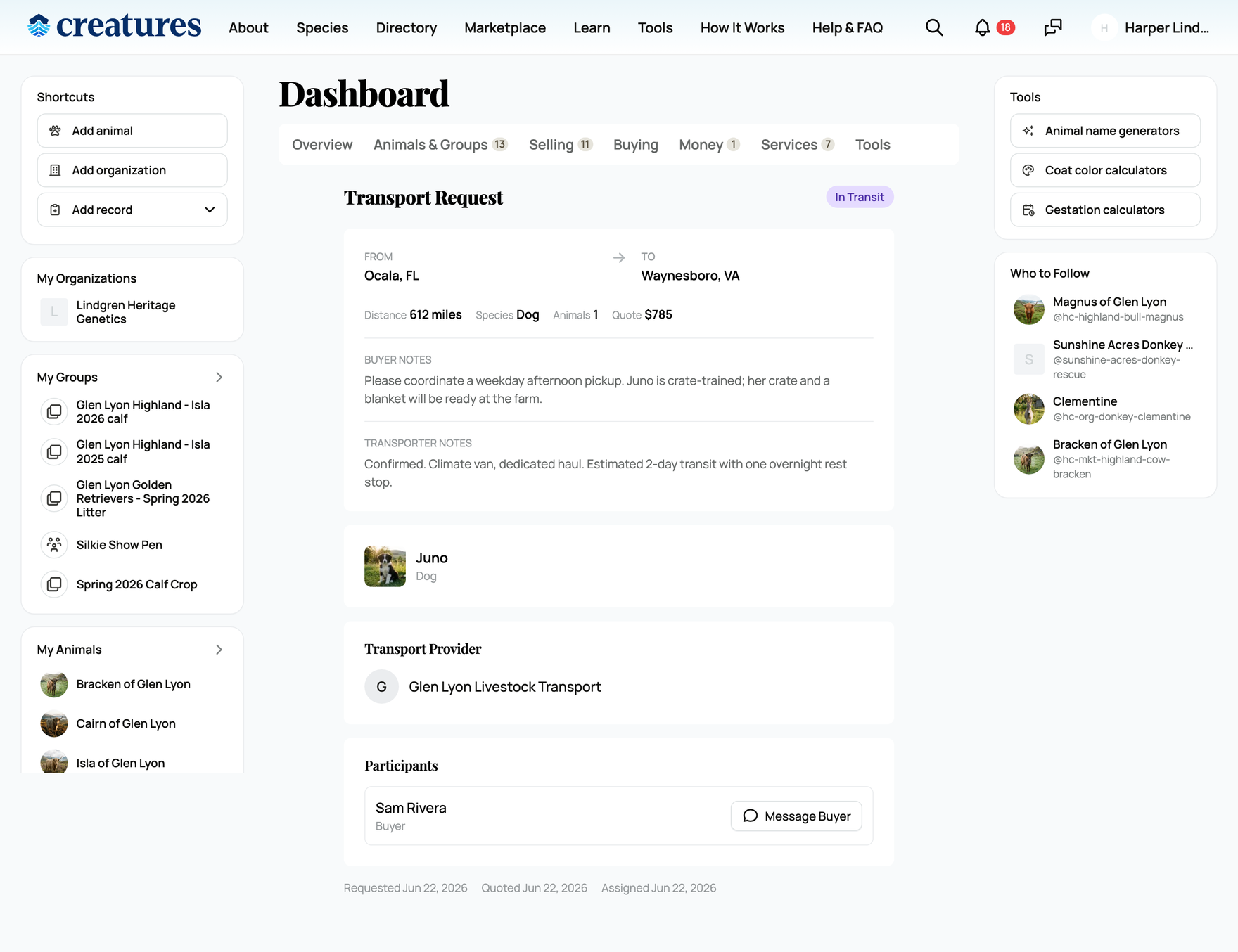
- The animal travels via an approved transporter, and the trip's status updates as it progresses, so both sides can follow it.
- Delivery completion is recorded when the transporter delivers the animal.
- The buyer still confirms, and that confirmation releases your funds to your Wallet immediately.
The difference is who physically moves the animal, not how you get paid. Even with Creatures transport handling the logistics, the release of your money still follows the buyer confirming the animal arrived.
The constant in both cases
Across both situations the protection and the payout trigger are identical:
- The buyer's payment is held by Creatures through the whole trip.
- It is released to your Wallet immediately when the buyer confirms delivery, with no fixed post-delivery delay.
- From your Wallet you withdraw to your bank (subject to the one-time 7-day hold on your first-ever sale only).
So whichever way the animal travels, focus on a clean, well-documented delivery; the buyer's confirmation is the moment you are paid. For the complete flow and the first-sale hold, see How seller payout works.
Related information
- How seller payout works
- What happens after I sell an animal?
- Seller fees and the Creatures Pro subscription
Updated on: 25/06/2026
Thank you!