
What you need to start selling
You can start a listing before every seller check is complete. The requirement depends on what you want to do next.
Match setup to the next action
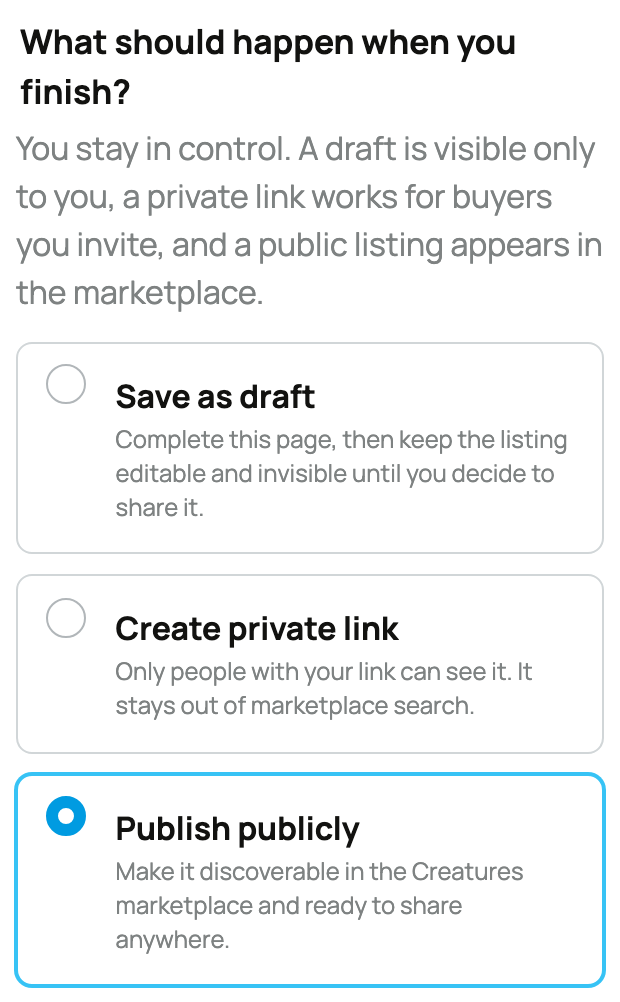
- Save a draft: add the animal and listing details. Seller verification is not required just to keep private work in progress.
- Share a private link: verify a phone number that can receive a verification code, so invited buyers know a reachable seller is behind the page.
- Publish publicly and accept marketplace payment: verify your phone and identity. Follow Verifying your phone and Verifying your identity when prompted.
- Withdraw earnings to a bank: connect the payout account for the actual selling person or organization. This is a withdrawal requirement, not a listing or payment-collection wall.
Prepare the animal and handoff
Before publishing, add clear recent photos, an honest description, a usable location, price or auction rules, and every fulfillment choice you can actually support. Decide whether buyers need approval and whether you will offer delivery, boarding, or transport.
If an organization owns the animal or listing, an authorized owner or co-owner manages the sale, and proceeds belong to the organization. Confirm Selling as before saving so the correct seller appears to buyers.
Check the listing before buyers see it
Preview the listing as a buyer would. Make sure the seller name, animal, price, location, approval requirement, handoff choices, and visibility all match the sale you intend to run. A private link is useful for a small invited audience; public visibility is the right choice when the listing should appear in marketplace discovery.
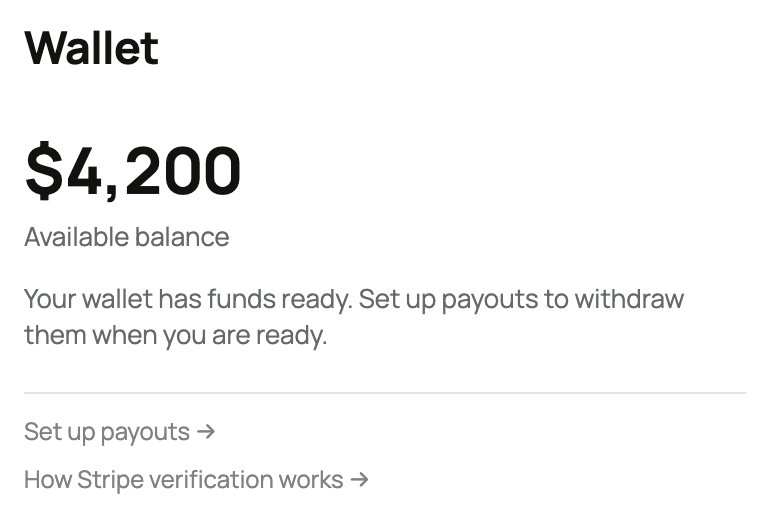
Your Wallet can receive released proceeds before bank payout setup is complete. The balance waits there until the correct seller finishes connecting a payout account.
Related information
- Listing an animal at a fixed price
- Listing an animal for auction
- Seller fees and the Creatures Pro subscription
Updated on: 03/09/2026
Thank you!