
Sold your animal? How to update Creatures
If the buyer paid outside Creatures, use Record sale & mark sold to save the income and keep the animal's profile. If the buyer paid through Creatures, follow the existing sale instead of recording it again.
If the buyer paid through Creatures
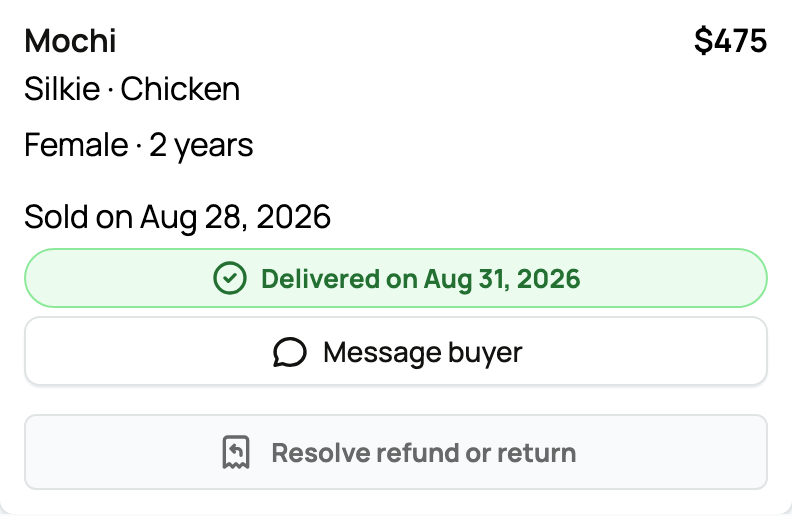
Do not mark the animal sold by hand. The listing moves through payment, handoff, and completion from the purchase. Follow the sale in Dashboard > Sales and use the recorded handoff actions.
If payment happened elsewhere
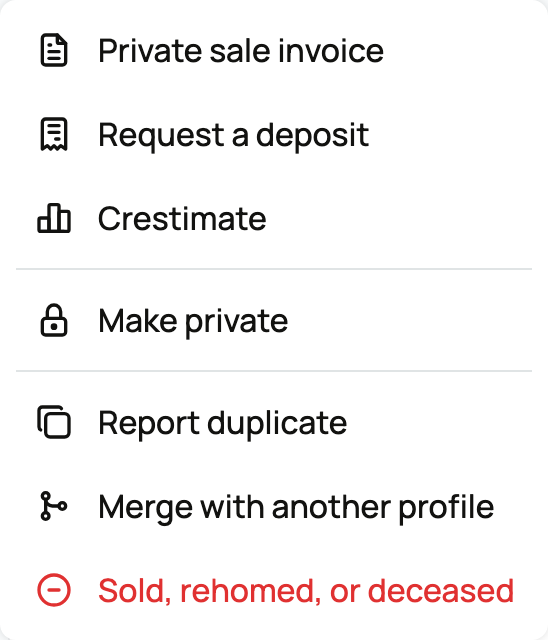
- Open the animal's profile, open More animal actions, and choose Sold, rehomed, or deceased.
- Choose Sold, then Continue to sale details to open Record sale & mark sold.
- Check the animal and the personal or organization Finance book. Enter the Sale amount and Date, plus an optional Note.
- Select Record sale & mark sold once the details are correct.
The amount and date are saved as seller income in Finance, the animal leaves your current animals, and any active listing ends. No buyer details are required. The profile, pedigree, and records remain, and the completion page gives you a link the buyer can use to claim the profile.
Recording the sale does not pretend Creatures processed or protected an outside payment.
Transfer ownership without recording a sale
Use Transferring an animal to its new owner when the profile should move but no sale belongs in Finance, such as a gift or an already-recorded transaction. An optional transfer price can document the handoff for the buyer. It does not save seller income in your Finance book. Use Removing an animal from your account for a death or another non-sale departure.
If you see Sold or rehomed instead of Sold, the direct Finance sale action is not available for your current ownership setup. Review who owns the profile before continuing. Do not remove another owner's interest or create a duplicate sale to work around it.
Related information
- What happens after I sell an animal?
- What you need to start selling
- Listing an animal at a fixed price
Updated on: 03/09/2026
Thank you!