
What happens after I sell an animal?
After a buyer pays, open Dashboard > Sales to coordinate handoff and track the payment. Do not record another sale or create a separate ownership transfer for the same marketplace purchase.
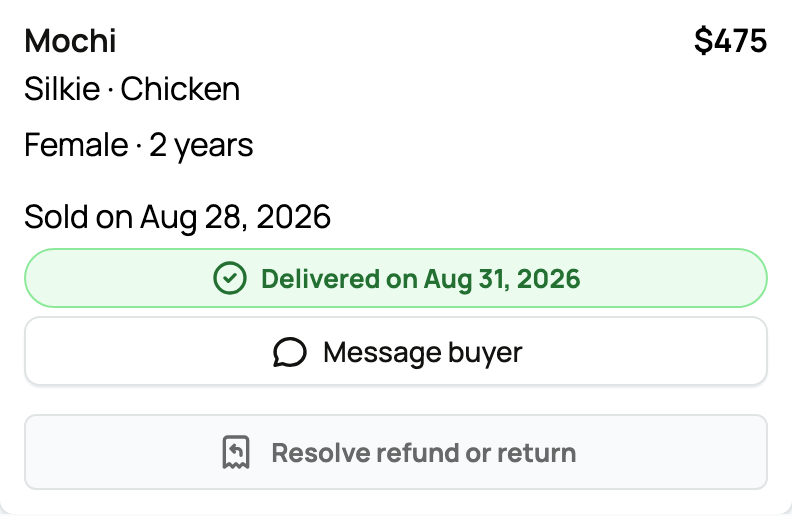
Complete the handoff
The buyer's payment is held after checkout. Coordinate pickup, seller delivery, or Creatures transport in the sale record. Buyer pickup and ordinary handoff release proceeds through buyer confirmation or the recorded objection-window outcome. A normally completed marketplace transport trip can release automatically.
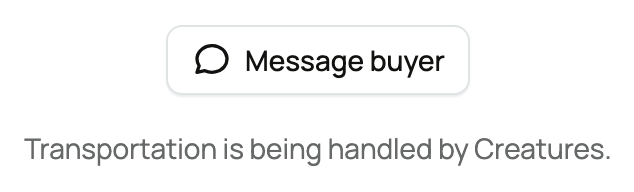
If the buyer kept the purchase private, unrelated visitors cannot open the sold listing or identify the animal. You retain seller access, while recently sold results may show only an anonymous category and price comparison.
Follow proceeds and ownership
Net proceeds move to the selling person or organization's Wallet after the release step, unless a dispute or refund blocks release. There is a one-time seven-day withdrawal hold measured from the Wallet's first transaction. Withdrawal also needs the correct payout account and required verification; bank processing can take additional time.
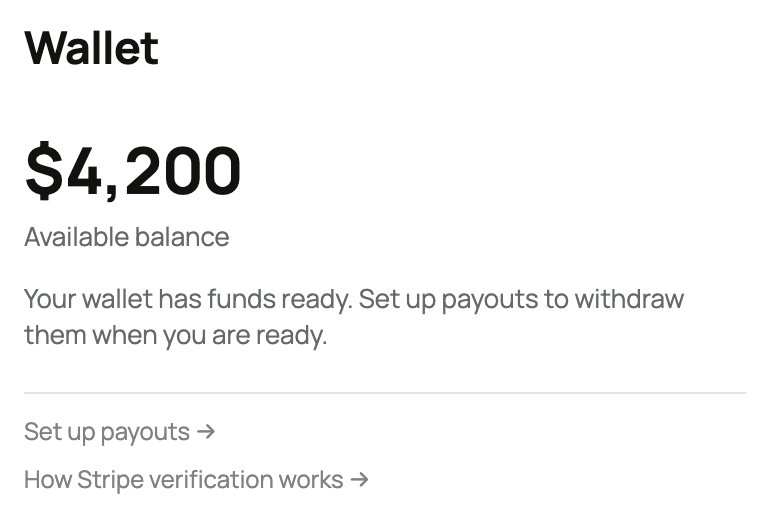
The completed sale updates the animal and ownership handoff. Keep records, messages, bills of sale, and any agreed paperwork with the transaction.
If the sale changes
Use the refund, cancellation, or return action available for the current state. Before handoff, some seller actions are self-service. In transit, after delivery, or during a dispute, support review may be required so money and ownership do not diverge. Do not promise that a refund can overdraw an empty seller Wallet or that every post-release complaint has an automatic financial result.
What to check before closing the sale
Confirm the animal received by the buyer, the handoff status, the Wallet entry, and the ownership record all tell the same story. If one remains pending, follow the action shown in Sales rather than creating a second transfer or marking the animal sold again. Keep communication in the recorded transaction when support may need to review what happened. This protects both sides from duplicate or conflicting records.
Related information
- How seller payout works
- Getting paid when transport is involved
- Sold your animal? How to update Creatures
Updated on: 03/09/2026
Thank you!