
Verifying your identity
Identity verification confirms that a real person is behind a seller account. Stripe, our payment partner, checks a government photo ID and a quick live selfie, and Creatures never shows your ID, legal name or selfie on your profile.
You need a verified ID, along with a verified phone, to publish a public listing or a stud service, take payments from buyers, send agreements or apply to be a transporter. You also need it to withdraw money.
Start the ID check
- Select Verify ID on a Verification required checklist, or in the menu next to Edit profile on your own profile.
- On the Verify your ID page, select Start ID check.
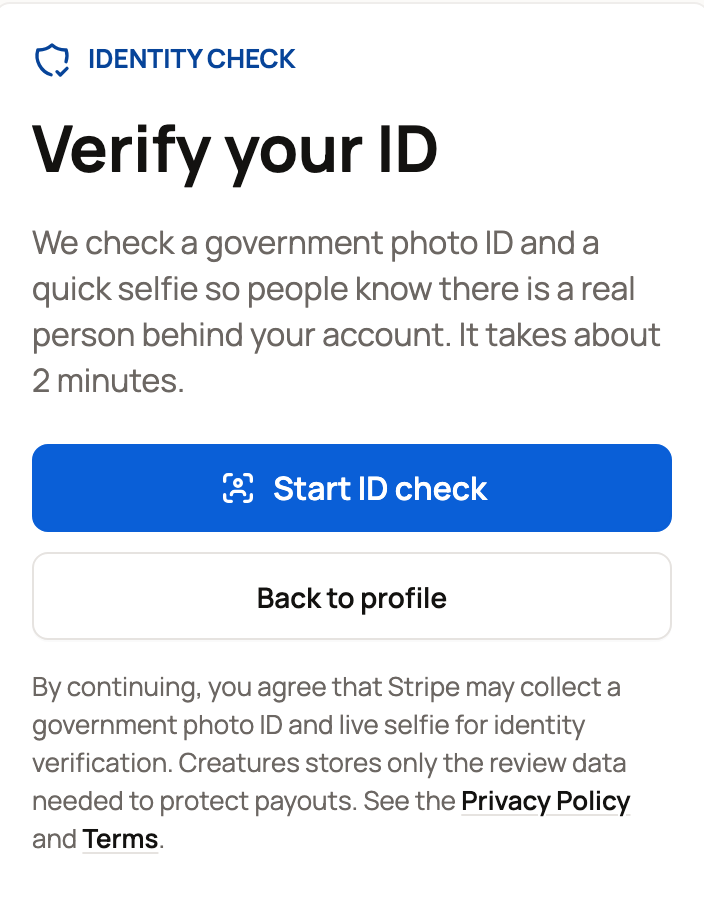
- Follow Stripe's steps to photograph your ID and take the selfie. Use good light and keep the whole ID in the frame.
- When you finish, Stripe sends you back to Creatures.
If the page says Finish your ID check, Stripe needs one more detail, such as a clearer photo. Select Continue ID check and follow its prompts.
What the page tells you
- Stripe is checking your ID, with an ID check in progress card, means Stripe is still reviewing. You can keep setting up your profile. Check back on this page for the result.
- You're verified, with Verified seller badge unlocked (or Verified badge unlocked if you came from your booking page), means you're done. Buyers and guests see a verified badge on your profile and on the card that opens from your name on sale and booking pages. Sale pages also show Identity verified. They never see your legal name or your documents.
The step is complete only after Stripe approves it, not when you send the photos.
Where the step appears
Selling, agreements, transport and other trusted actions show a short Verification required checklist. The ID step reads Verify your identity until Stripe approves you. Then it changes to Identity verified.
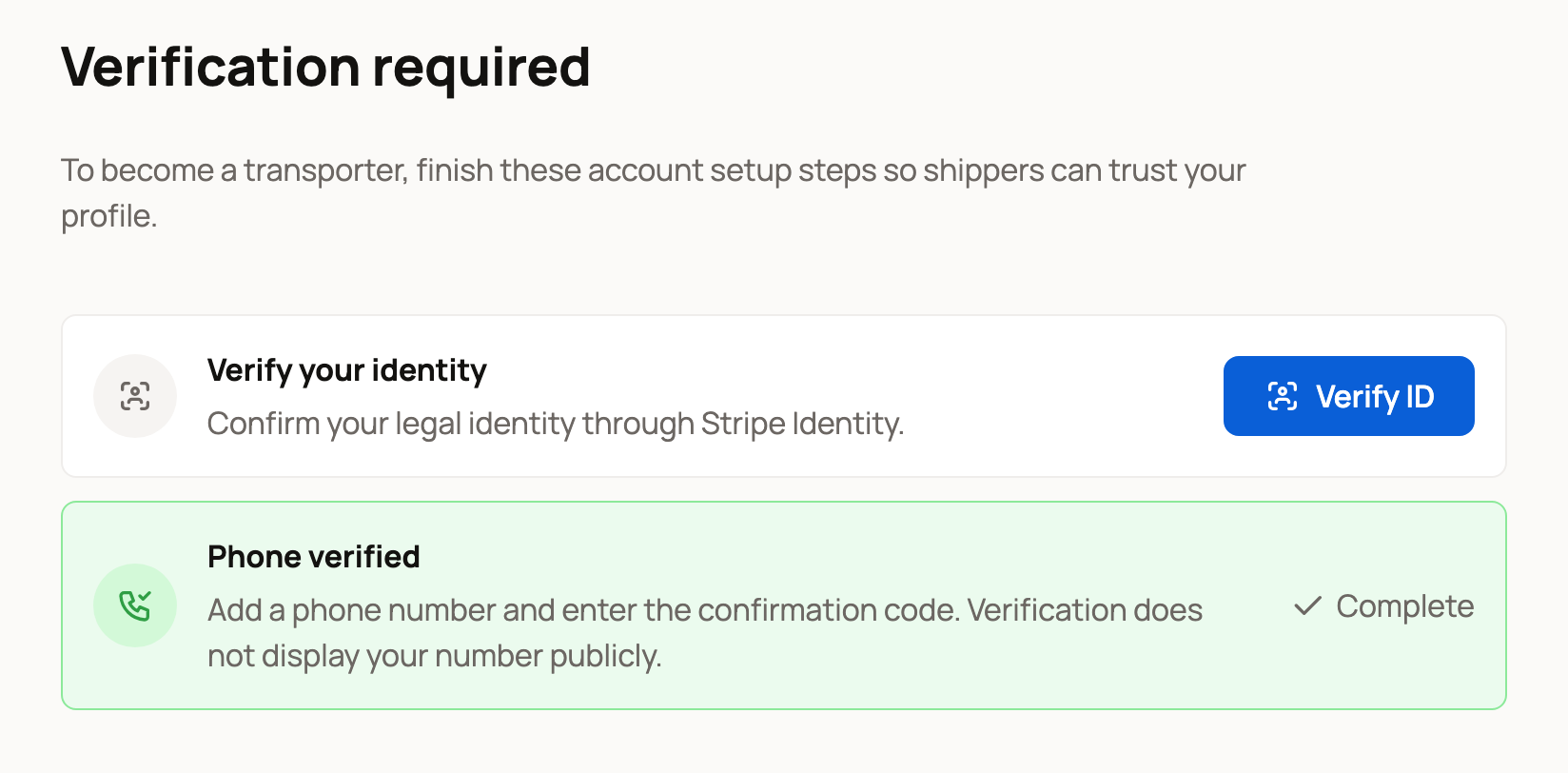
Your phone is a separate step. If the checklist still asks for it, see Verifying your phone number. If you own or co-own an organization, your verified ID also counts for that organization.
If your profile name needs review
After Stripe verifies you, Creatures compares the name on your profile with the legal name on your ID. A nickname, an earlier name, initials or a business name may need a person to look at it. The You're verified page then shows a review card.
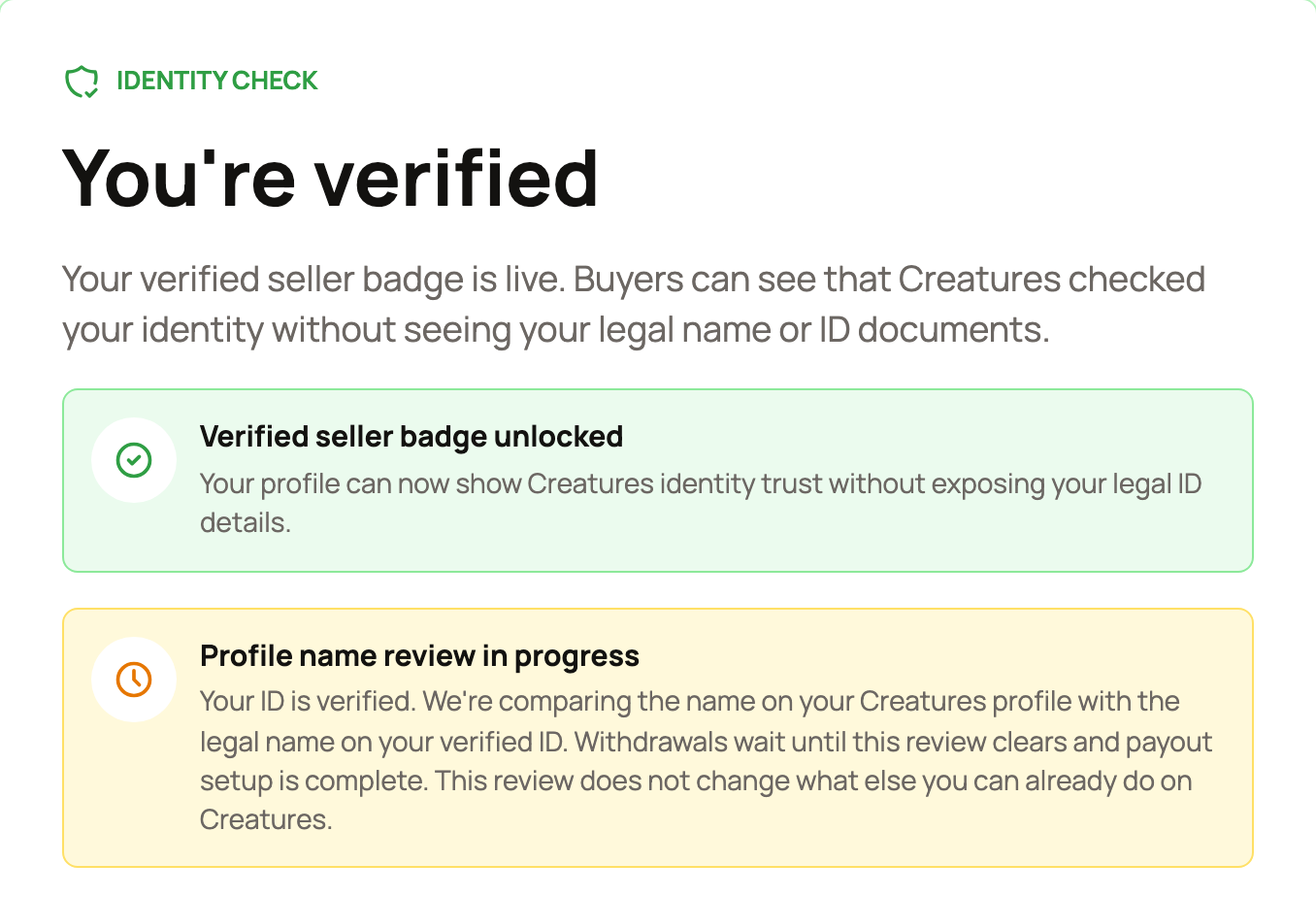
- Profile name review in progress: we're checking the match. You don't need to do anything yet.
- We need a bit more to finish your profile name review: select contact support on the card so we can wrap it up.
- Your profile name needs support: we couldn't clear the match on our own. Select Contact support on the card.
A name review pauses withdrawals only. You can keep listing and selling, and your earnings stay in your Wallet. If there's no review card, your name check is clear. To withdraw, you also need a ready payout account.
Related information
- Verifying your phone number
- Connecting your payout account
- Withdrawing your money to your bank
- What you need to start selling
Updated on: 29/10/2026
Thank you!