
Adding a show result from another show
Open your animal's Records tab, choose Shows & Titles, and select Add show result. Only the show name is required, but the date, judge and award make the result far more useful.
Before you start
Use this for shows that were not run on Creatures, including wins from past years. Results from shows run on Creatures appear on their own once the club publishes them.
You can add results to animals you own or manage records for. You can also start from Add record on the profile and choose Show result. If the animal has no results yet, its Show highlights card has an Add show result button too.
Fill in the result
- Under Show, enter the show's name.
- Under Show date, choose Exact date and enter the day of the show. If you only know the month or the year, choose Month or Year and enter that instead. If you don't know the date, choose Not sure.
- Add the Location, Judge, Ring and Class if you have them.
- In Award, type the award as the show wrote it, for example Grand Champion or Best of Breed.
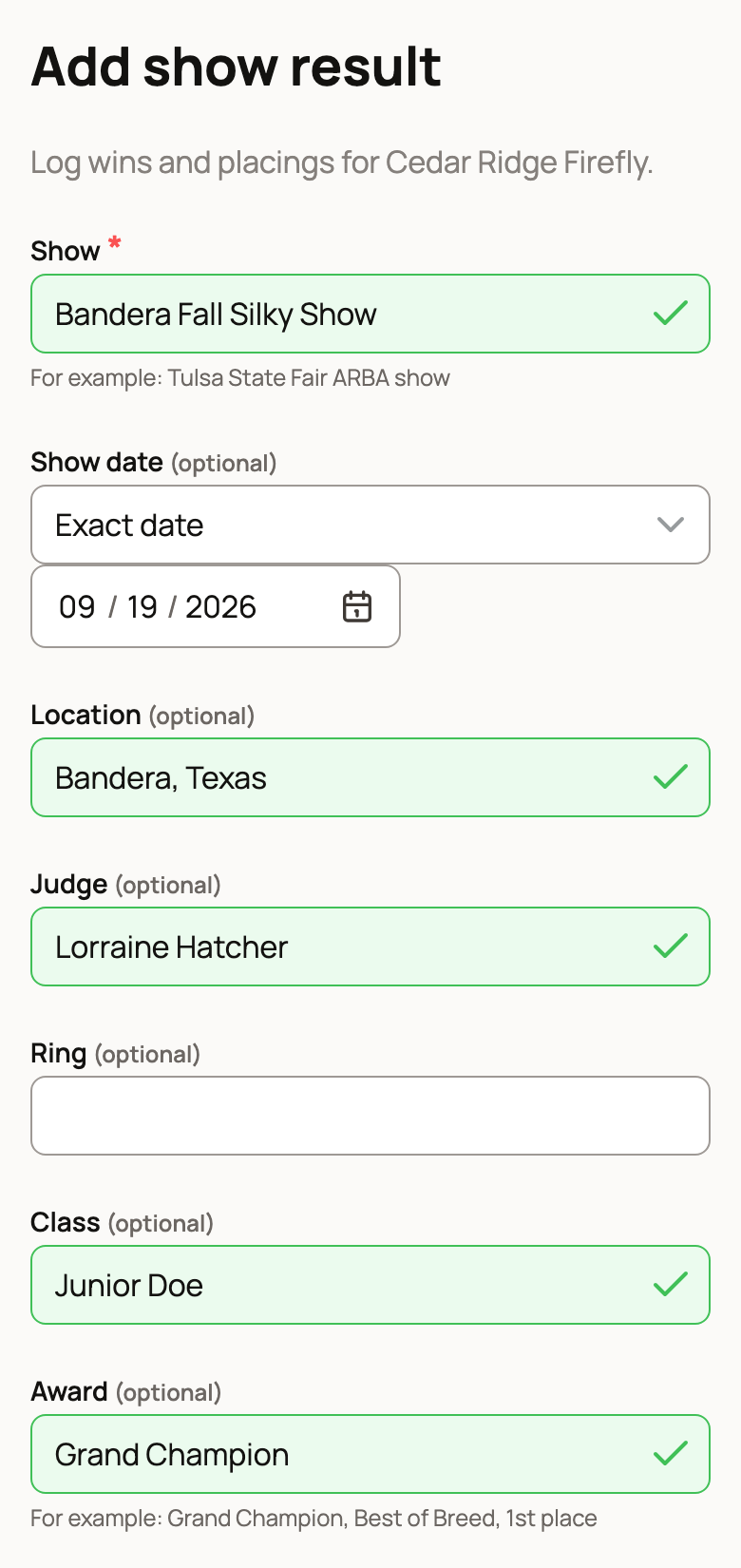
- Enter the Placement, the Number in class and the Exhibitors in class, if you know them. For example, 1st of 5 animals from 3 exhibitors.
- Some species have a credit box. Goats have Championship legs, rabbits and guinea pigs have Grand Champion legs, and dogs, cats and horses have Show points. The line under the box explains what counts. Leave it at 0, or empty, if the win earned none. For rabbits and guinea pigs, also choose the Age class of this win shown on the result or leg slip.
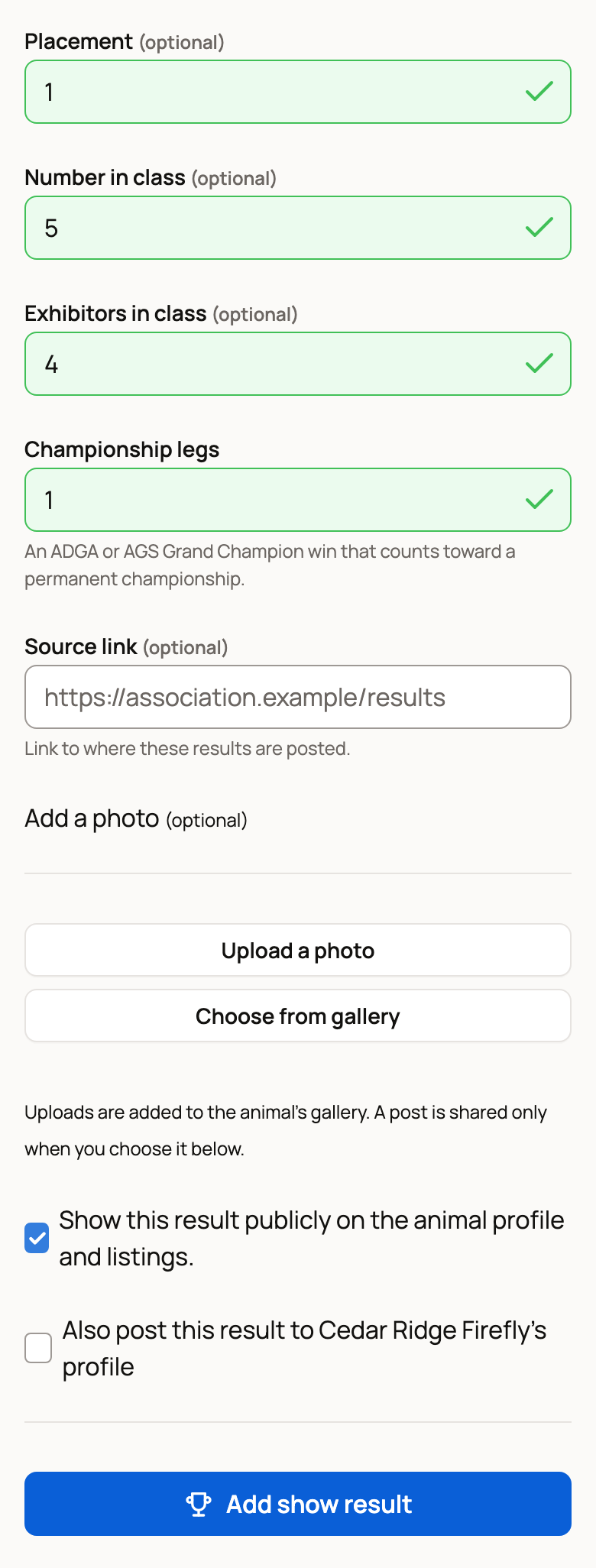
- Paste a Source link to where the results are posted online, if there is one. The show name on the profile then links to it.
Add a photo and choose who sees it
Under Add a photo, select Choose from gallery or Upload a photo. A photo you upload is also added to the animal's gallery.
Show this result publicly on the animal profile and listings. is on to start. Turn it off to keep the result private, so only you and people who manage the animal's records see it.
For a public animal, you can also tick Also post this result to your animal's profile to share it as a post. This works only when the result is public.
Select Add show result to save.
After you save
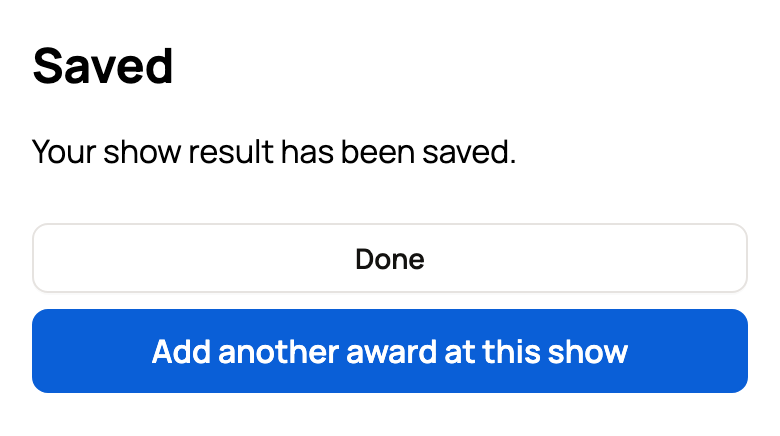
You see Saved. If your animal won more than one award at the same show, select Add another award at this show. The form keeps the show name, date, location, judge and ring, so you only add the new class and award. Select Done when you're finished.
The result appears under Shows & Titles. If you own the animal, it's marked Reported by owner. If you added it to someone else's animal, it shows your name under Added by.
Edit or delete a result
Results added by hand have Edit and Delete buttons. Edit opens the same form. Delete asks you to confirm, then removes the result and takes it out of any title progress.
Adding results to a profile you documented
If you documented an animal's profile before its owner joined, the form tells you that results you add show your name under Added by. Your name stays there after the owner claims the profile.
Tip: An exact date and the judge's name help title trackers count a win. For the ARBA tracker, so do the class size, the exhibitors and the age class. Without them, a tracker may list the result as conditional.
Related information
- Show results on your animal's profile
- The animal records tab
- Importing from Rabbit15, Cavy15, Goat15, and Poultry15
Updated on: 29/10/2026
Thank you!