The accountant view and reports
When you are ready for a closer look, or to hand things to a bookkeeper, the Accounting view turns your day-to-day entries into proper reports. The simple dashboard is for recording; this view is for reviewing, reconciling, and filing.
Open the accounting view
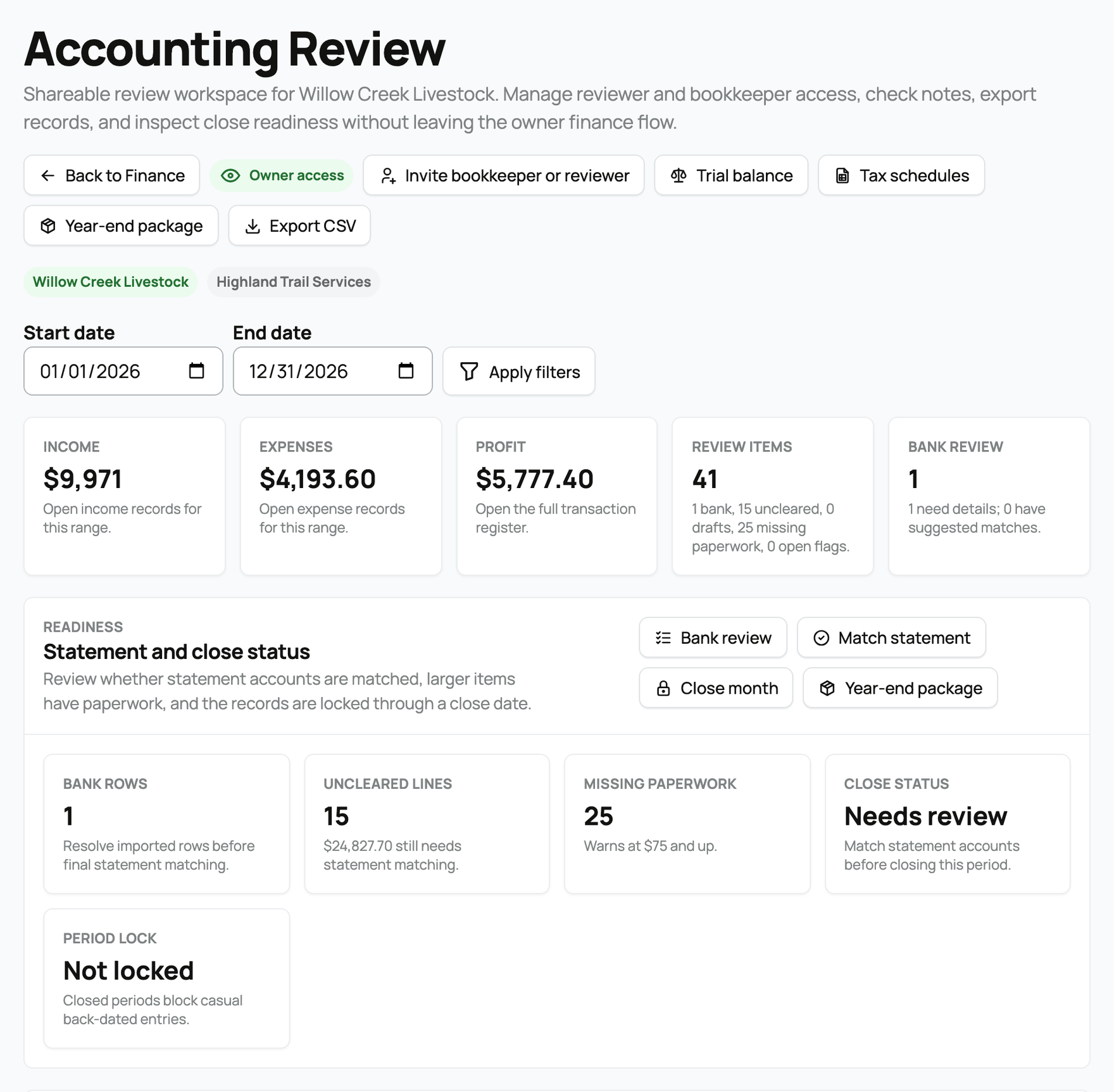
From Finance, open Accounting (/finance/accounting). You can scope it to a period with a start and end date, and switch between books if you keep more than one.

The profit-and-loss statement
The centerpiece is a profit-and-loss statement for the period: your income grouped by account, your expenses grouped by account, and your net profit (income minus expenses). Because it reads straight from your posted entries, it always matches what you recorded. That includes marketplace sales, whose proceeds post here automatically once a sale is released; for how that release works, see How seller payout works. It covers income and expense accounts; what you own and owe lives on the balance sheet instead.
What needs your attention
The view surfaces items that need a decision before your books are clean, so nothing is quietly missed:
- Bank review items: transactions imported from a bank or card that still need to be matched to an entry or categorized.
- Missing paperwork: large transactions with no supporting document attached, flagged because tax time and audits expect documentation for big amounts.
- Unreconciled lines: bank or card lines not yet matched to a statement, which can signal a missing or duplicated entry.
- Drafts and open flags: entries left in draft, and notes or questions a bookkeeper raised that are still open.
A panel of your larger and most recent transactions sits alongside, with their documents, comments, and flags, so you can jump straight to anything that looks off.
Taxes and year-end
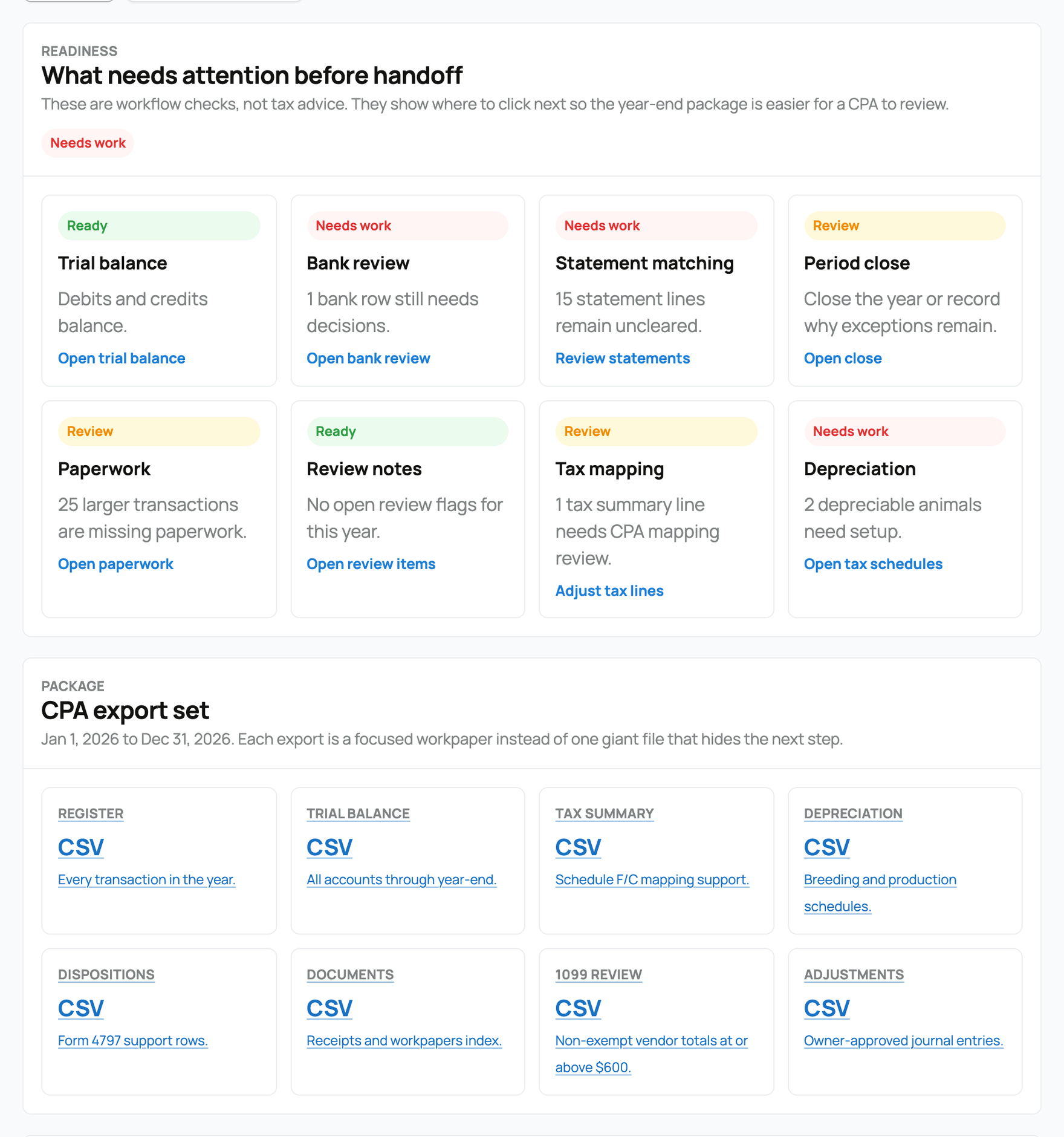
Every category maps to a tax line based on your book's operation type (Schedule F for a farm, Schedule C for a companion or service business), so Creatures can group your activity by tax line and produce a year-end summary to make filing easier. A mixed book carries both sets of lines. From the year-end tools you can export a tax-line summary and supporting reports to hand to your accountant. These exports are produced from your posted books; there is nothing to demo until you have a period of activity to export.
Adjust how accounts map to tax lines
That automatic mapping is a starting point, not the last word. Lower in the year-end tools, an Adjust how accounts map to tax lines panel lists every income and expense account with activity in the tax year, its current mapping, and its amount, so you or your CPA can correct anything before filing.
- Set the Schedule and line: each account has a Schedule and line dropdown grouped into Schedule F and Schedule C lines (Feed, Supplies, Veterinary, breeding, and medicine, Sales of livestock you raised, Advertising, Commissions and fees, and the rest), plus Not on a tax schedule (needs CPA mapping) for anything that should be parked for review. Pick a line and select Save.
- Your override wins: a mapping you set here overrides the suggested default and updates both the tax-line summary above it and the CSV export, so your year-end numbers reflect your accountant's decisions rather than only the automatic guess.
- The status labels: each account shows where its mapping came from. Mapped means it is already assigned to a tax line, Suggested default is the automatic mapping Creatures chose, Override is a mapping you set by hand, and Review mapping flags an account left on "needs CPA mapping" that should be assigned before you file.
- Reset to default: once you have set an override, a Reset to default action removes it and returns the account to Creatures' suggested mapping.
Only the owner and a bookkeeper can adjust tax-line mapping; a reviewer can see the mapping but not change it. This is bookkeeping setup, not tax advice, so it is exactly the kind of thing to confirm with your accountant.

Working with your accountant
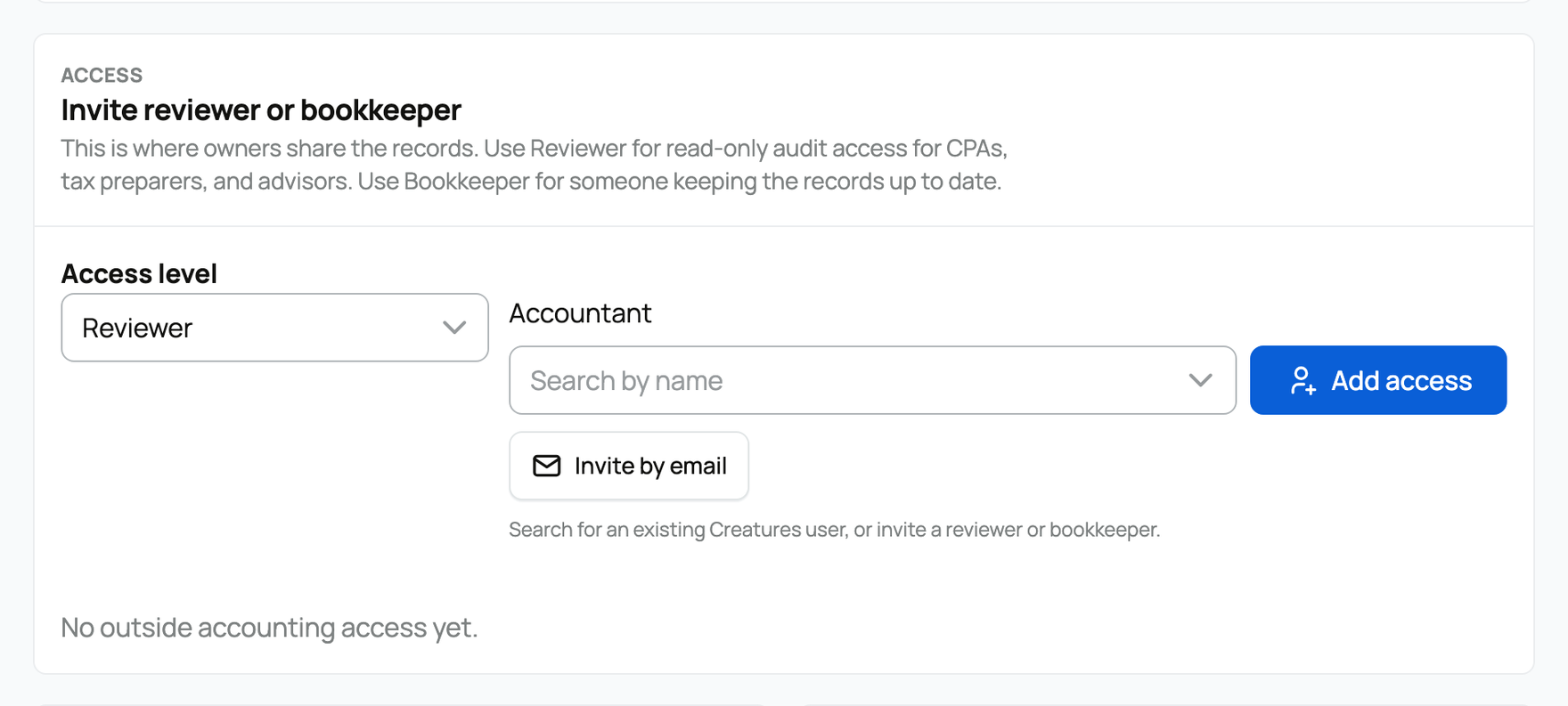
You can give your accountant or bookkeeper access so they work directly in Creatures, in addition to exporting reports. You stay the owner with full control, and you can grant either of two roles:
- Reviewer: can review records, reports, receipts, animals, statements, and close history. This is read and review access; a reviewer does not post entries. Use it for an accountant who only needs to look and advise.
- Bookkeeper: can review records, maintain day-to-day bookkeeping, match statements, and close clear periods. This is hands-on access for someone keeping the books with you.
You invite an accountant by email and pick the role; you can also grant access to an existing Creatures user directly. Invites are email only for security, and only you (the owner) can add or remove accountant access, so financial-data access is never granted casually. Pending invites can be canceled.
Bank feeds and reconciliation
To keep everything matched, you can connect a bank feed so transactions import automatically from your bank or card, then reconcile them: match each imported line to an entry, categorize anything new, and mark the account reconciled for the period. If you do not use a live feed, you can import a statement file (CSV, OFX, or QFX) or paste it, and match from there. Connecting a live bank feed depends on a supported bank connection and is set up from this view.
Related information
Updated on: 07/07/2026
Thank you!