
Writing your website story
Your story tells visitors who you are and why you raise your animals. To write or change it, open the website builder and choose Your story, next to Pages and Add page on the Sections tab.
Everything you write saves to your draft, the private copy of your website that only you see. Visitors see your story after you publish.
Choose what your homepage shows
At the top of the writer, Home page shows has two choices:
- Full story puts your whole story on your homepage.
- Summary shows a short Home-page introduction with a Read full story button. The full story stays on its own page.
For a summary, write two or three sentences in Home-page introduction. The counter shows how much of the 1,000 characters you have used.
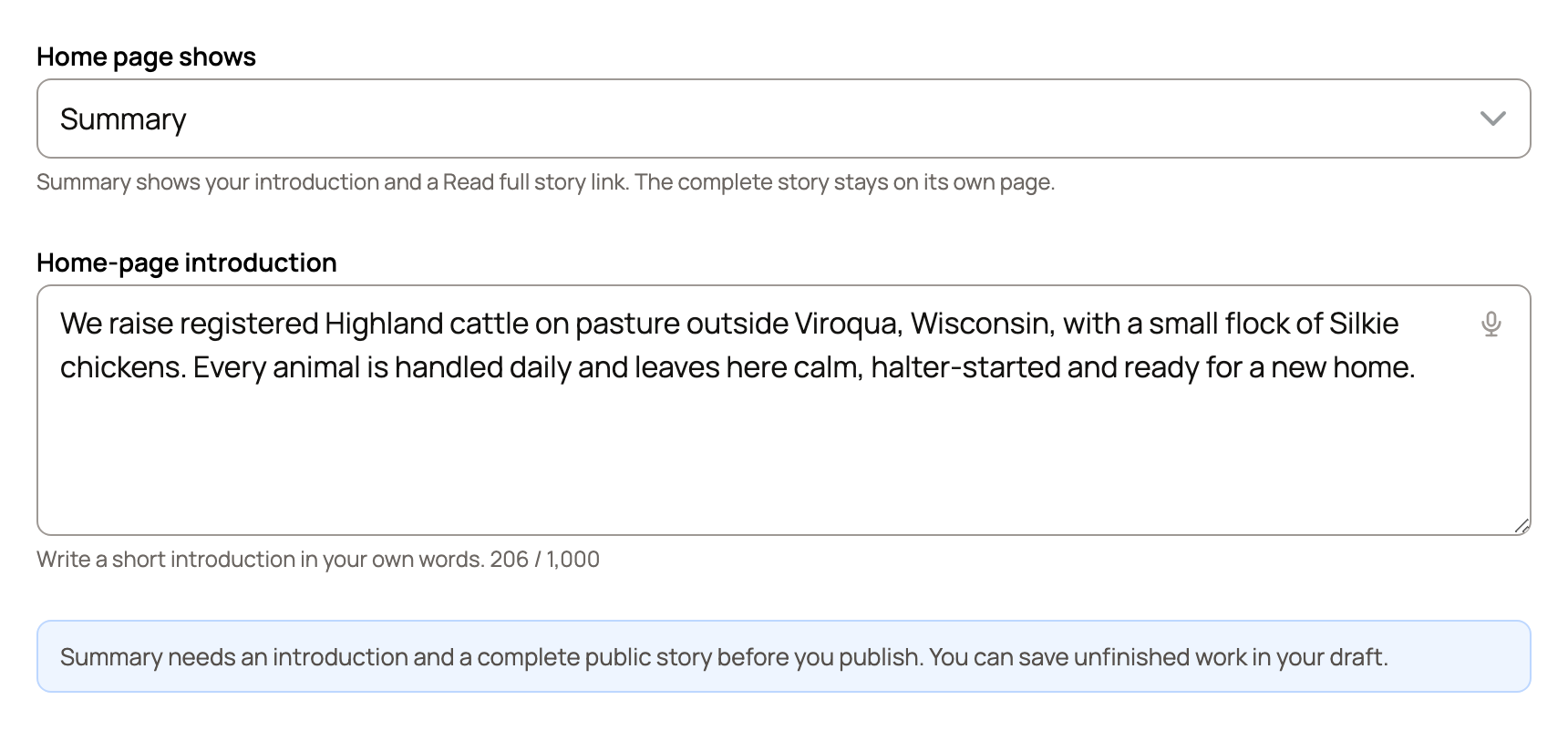
If the note at the top says your story isn't on your homepage yet, choose Add to homepage.
Write the full story
Under Full story, type in the Text box. Use Heading, Image, Gallery and Video to add more. A video link from YouTube or Vimeo plays on your page. Other links show as a plain link.
Not sure what to say? Most good stories answer a few questions:
- Where is your farm, and how did you start?
- What do you raise, and what do you breed for?
- How can people visit, buy or get in touch?
Below the story, Add a heading (optional) sets the title above it, such as "Our story." Keep it short (up to 180 characters). If you paste a whole paragraph there, choose Move this into your story to move it into the text.
Decide who sees it and when
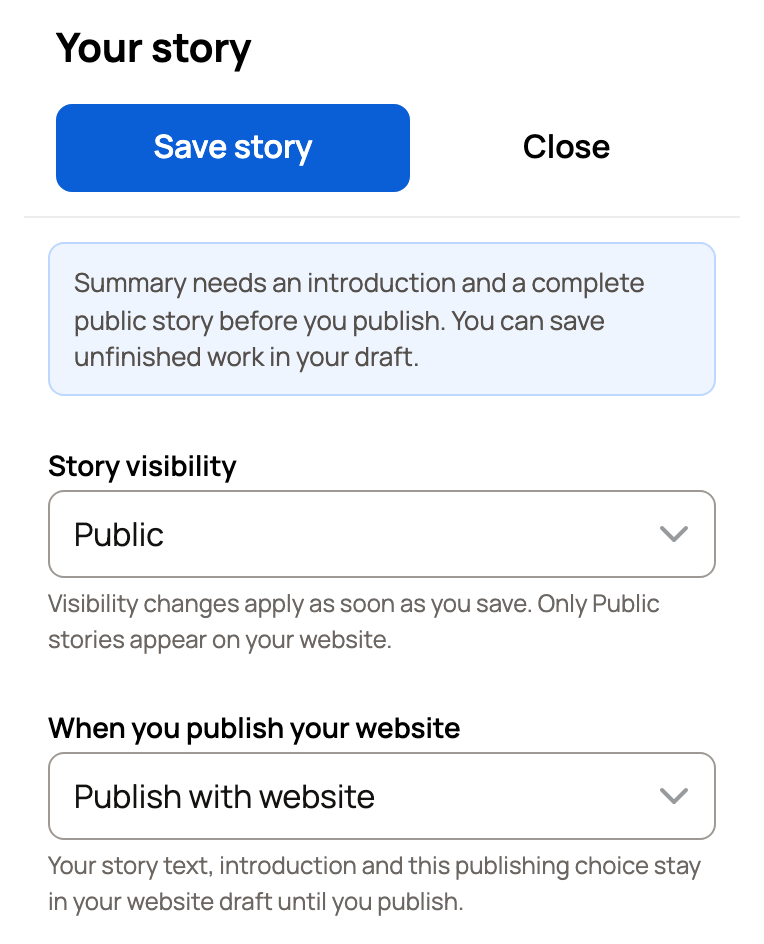
Story visibility is Public or Only you. This change applies as soon as you save. Only a Public story appears on your website.
When you publish your website controls the words themselves:
- Publish with website puts your latest story live the next time you publish.
- Keep draft leaves it off your website when you publish, so you can keep working. A story that is already live comes off your website and waits as a private draft.
Save and check
Creatures saves your story a moment after you stop typing. Save story and Close save it too. When it's saved, you'll see Saved in your draft.
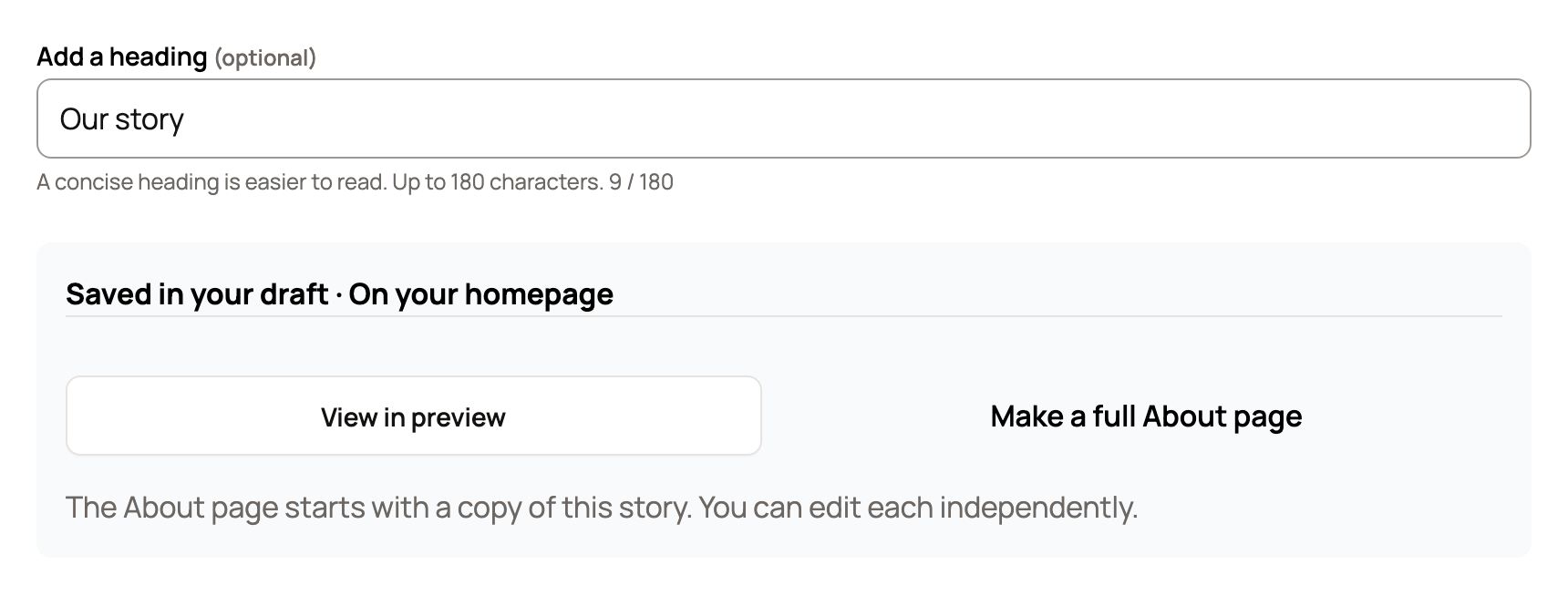
- View in preview shows your story on your homepage preview.
- Make a full About page starts a separate About page with a copy of your story. Edits to one don't change the other. Once the page exists, the button reads Open your About page.
To link your full story in your website menu, choose Our story as the link's destination on the Menu tab.
If publishing stops
Summary needs a Home-page introduction and a complete public story. That means some story text, Story visibility set to Public and Publish with website chosen. If something is missing, publishing stops and the writer opens with a note asking you to fix it. Add what's missing, or switch Home page shows to Full story.
If your story is empty when you publish, Creatures publishes the rest of your website. Your story stays a private draft, off your homepage, until you add it.
Related information
- Setting up your website from your goals
- Adding pages, posts, and menu links to your website
- Adding photos to your website
- Publishing, updating, and taking your website offline
Updated on: 29/10/2026
Thank you!