Becoming a transporter on Creatures
If you move animals for a living, Creatures lets you list yourself as a transporter so buyers and sellers can hire you for hauls. You appear in the transporter directory at /transport and on the marketplace, you receive open jobs that match the species and area you serve, and you get paid into your Creatures Wallet when a delivery is confirmed. This guide walks the whole application: the account setup you finish first, then every field on the form.

First: three account checks (all three are required)
Before the application form opens, Creatures checks that your account is ready to be trusted with animals and to receive money. If any of the three is missing, you land on a setup screen (/transport/verif-required) that lists exactly what is left, and the form stays closed until all three are done.
- Identity verified. You confirm your legal identity through Stripe Identity (a government ID check).
- What it is: the same identity step sellers complete, handled securely by Stripe.
- Why it is required: hauling someone's animal is a position of trust, so Creatures ties your transporter profile to a real, verified person.
- What it means for you: until your ID is verified, you cannot apply. See Verifying your identity.
- Phone verified. You add a mobile number and enter the confirmation code Creatures sends you.
- What it is: a one-time code check that proves the number is yours (the same OTP-grade verification used across the marketplace).
- Why it is required: buyers and sellers need a reachable, verified contact behind a haul.
- What it means for you: an unverified or weakly verified number blocks the application. See Verifying your phone number.
- A connected payout account. You set up a Stripe payout account so Creatures can send your earnings.
- What it is: your connected bank, either on your personal account or on a transport organization you own.
- Why it is required: your job payouts land in your Creatures Wallet and you withdraw them to this account, so there has to be somewhere to send the money before you can take jobs.
- What it means for you: no connected payout account, no application. See Connecting your payout account.
When all three show complete, the /transport/apply form opens.
The application form, field by field
Every field shapes how you appear to buyers, which jobs you are shown, and what you can charge. Fill it out carefully.
- Business name (required). The name buyers see on your profile and in the directory.
- What it is: your hauling business or operator name.
- What it means for you: this becomes your public transporter identity. The first time you apply, Creatures also creates a linked transport organization under this name so your profile, reviews, and payouts all sit together.
- Description. A short pitch describing your service, experience, and how you work.
- What it means for you: it is your chance to win trust before a buyer requests a quote. Optional on the first application, but note the profile editor later requires it, so it is worth writing now.
- Base location (required). Where you are based, picked from the location search.
- What it is: your home city and state.
- What it means for you: it sets the starting point Creatures measures distance from and anchors where you appear in distance-based searches.
- Service area (at least one is required). Where you are willing to haul, set two ways that you can combine:
- Service states: check every US state you cover. Choosing states is what filters the open jobs you are shown to routes that both start and end inside your covered states.
- Service radius (miles): a distance you are willing to travel from your base.
- What it means for you: you must provide states, a radius, or both. Leaving both empty is rejected. Selecting all of the lower 48 plus DC is shown on your profile simply as "Continental U.S."
- Vehicle types (at least one is required). The kinds of vehicles you run, such as a trailer, truck, van, or specialized equipment.
- What it means for you: it tells buyers how their animals will travel. You must select at least one.
- Species transported (at least one is required). The kinds of animals you are equipped to move.
- What it is: the species list you serve.
- What it means for you: this is the single most important matching field. Open jobs are shown to you only for species on this list, and a buyer cannot request a species you did not list. You must select at least one.
- Capacity. A free-text note on how much you can carry (for example head count or trailer size).
- What it means for you: it helps buyers judge whether you fit their haul. It is descriptive, not a hard limit the system enforces.
- Per-mile rate (required). Your standard charge per mile, entered in dollars.
- What it is: the rate Creatures uses to suggest a quote when a job comes in (distance times your per-mile rate).
- What it means for you: it must be greater than zero. It is a starting point you can adjust on each individual quote, not a fixed price.
- Minimum charge (required). The least you will accept for any single haul, in dollars.
- What it is: a floor under your per-mile math for short trips.
- What it means for you: it must be greater than zero. When distance times your per-mile rate comes out below this, the suggested quote uses the minimum instead.
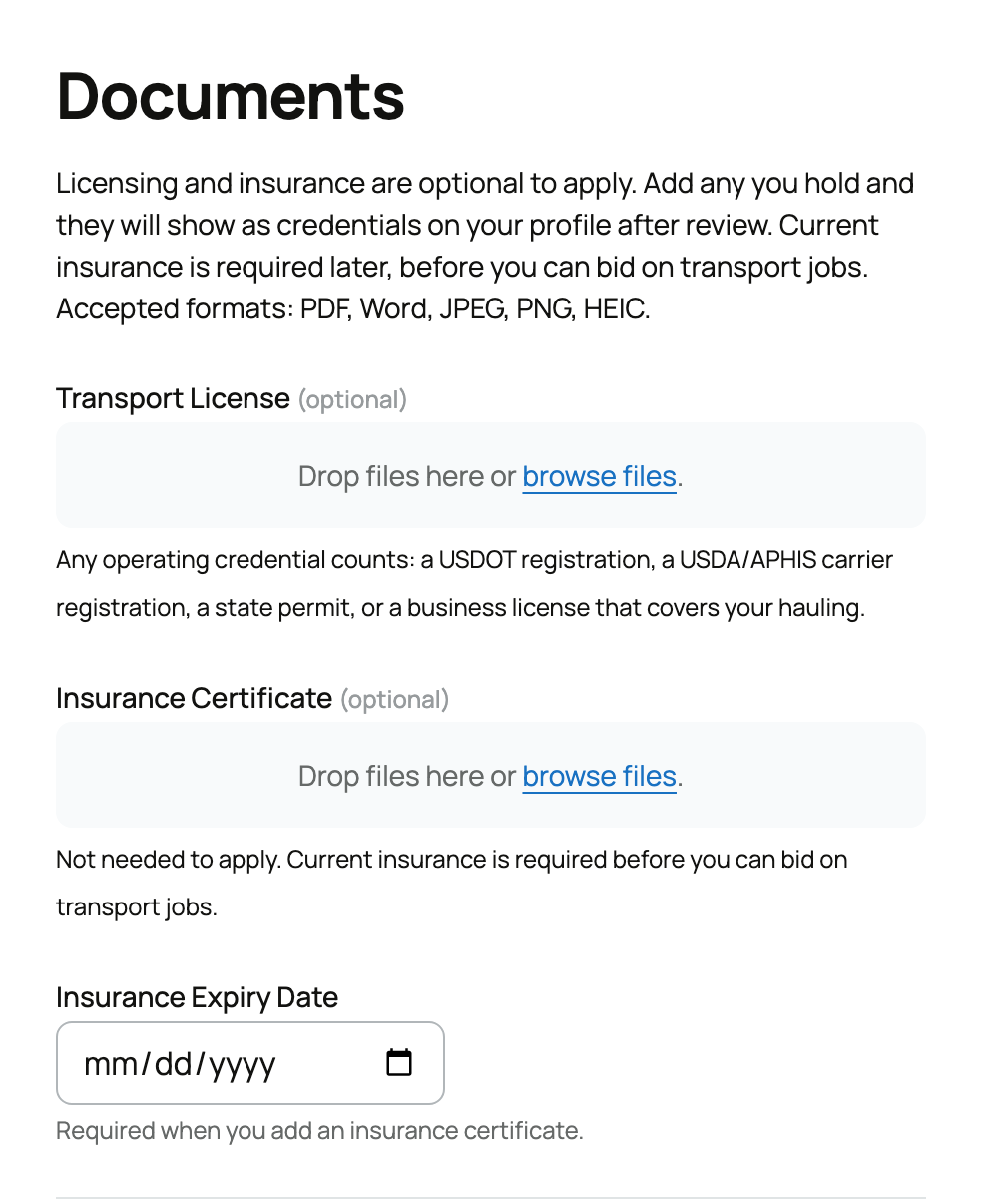
- Transport license (required). Your hauling or operating license, uploaded as a file.
- What it is: proof you are licensed to transport.
- What it means for you: the application cannot be submitted without it. Reviewers check it before approving you.
- Insurance certificate (required) and insurance expiry date (required). Your insurance document plus the date it expires.
- What it is: proof of active coverage, and the date that coverage lapses.
- What it means for you: both are required to submit. The expiry date matters after approval too: once your insurance date passes, Creatures stops showing you open jobs and blocks bidding until you upload current insurance. Keep it current.
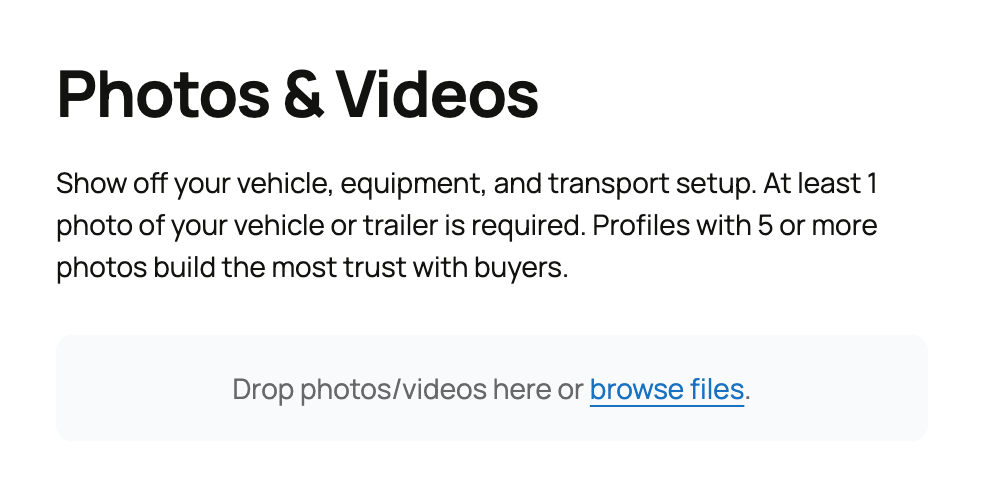
- Photos. Images of your rig and operation.
- What it means for you: optional on this first application, but the profile editor requires at least 5 photos before you can save changes later, so adding strong photos now saves a step.
After you submit: pending, then approved, rejected, or suspended
Your application does not go live automatically. It enters a review queue, and your transporter status moves through a clear set of values:
- Pending. The starting state right after you submit. Creatures notifies its team to review your license, insurance, and details by hand.
- What it means for you: you cannot take jobs or bid yet. Your dashboard shows "Your application is pending review."
- Approved. A reviewer accepted you.
- What it means for you: your public profile goes live, you appear in the directory and on the marketplace, and you can start receiving and quoting jobs. You are taken to your opportunities dashboard.
- Rejected. A reviewer declined the application, usually with a reason.
- What it means for you: you can fix what was flagged and resubmit. The form pre-fills your previous answers so you only update what needs changing, and resubmitting returns you to pending.
- Suspended. An approved transporter can later be suspended.
- What it means for you: your profile is pulled and you cannot take jobs while suspended. Your dashboard shows "Your account has been suspended."
Once you are approved, the next stop is your dashboard. See Your transporter dashboard: opportunities, bids, and jobs for finding work, and Requesting transport for an animal to understand the flow from a buyer's side.
Related information
Updated on: 23/06/2026
Thank you!