
Map location boundaries
To map a place, open Locations, choose the Map tab, pick the place in the Locations list and select Draw boundary. Tap each corner on the satellite map, select Finish, then Save boundary, and Creatures works out the acreage for you.
Before you start
Create the place first. See Set up and organize locations. The Map tab shows up once your workspace has a location.
Only an owner or co-owner can draw or change boundaries. Team members see View only but can still explore the map and move animals.
Find your property
The map opens on the boundaries you've already saved. To find a new spot, select the magnifying glass and search an address or city under Find a place, or select Use my location. Recenter brings your saved boundaries back into view. Searching only moves the map and saves nothing.
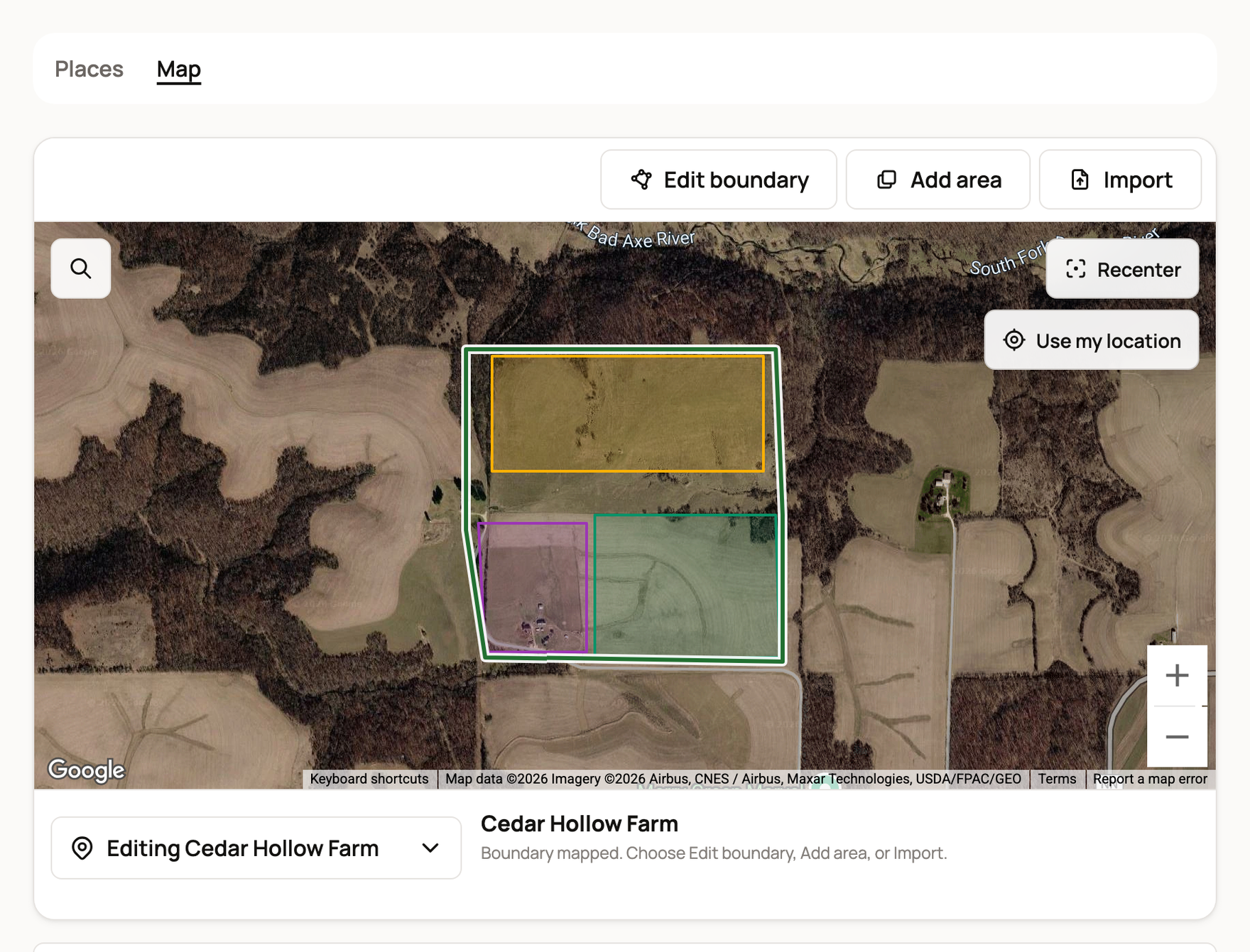
Draw a boundary
Start in the Locations list beside the map. Each mapped place shows its size in acres, and a place without an outline says Unmapped.
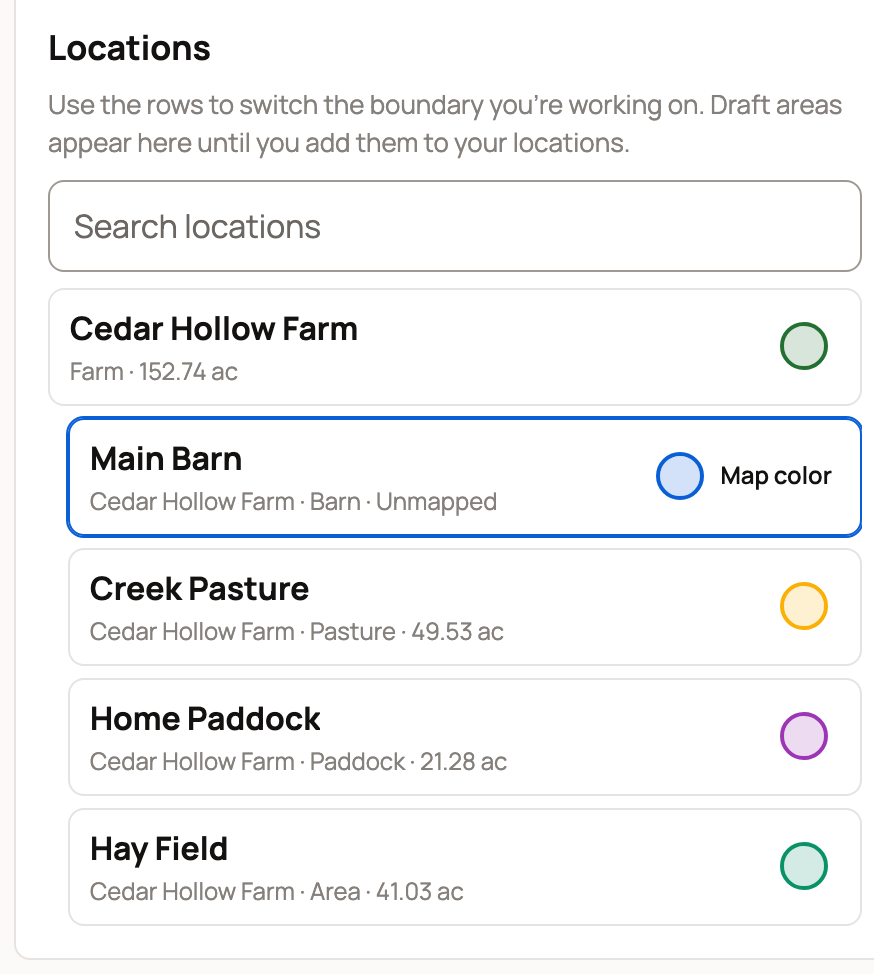
- Select the place in the list.
- Select Draw boundary.
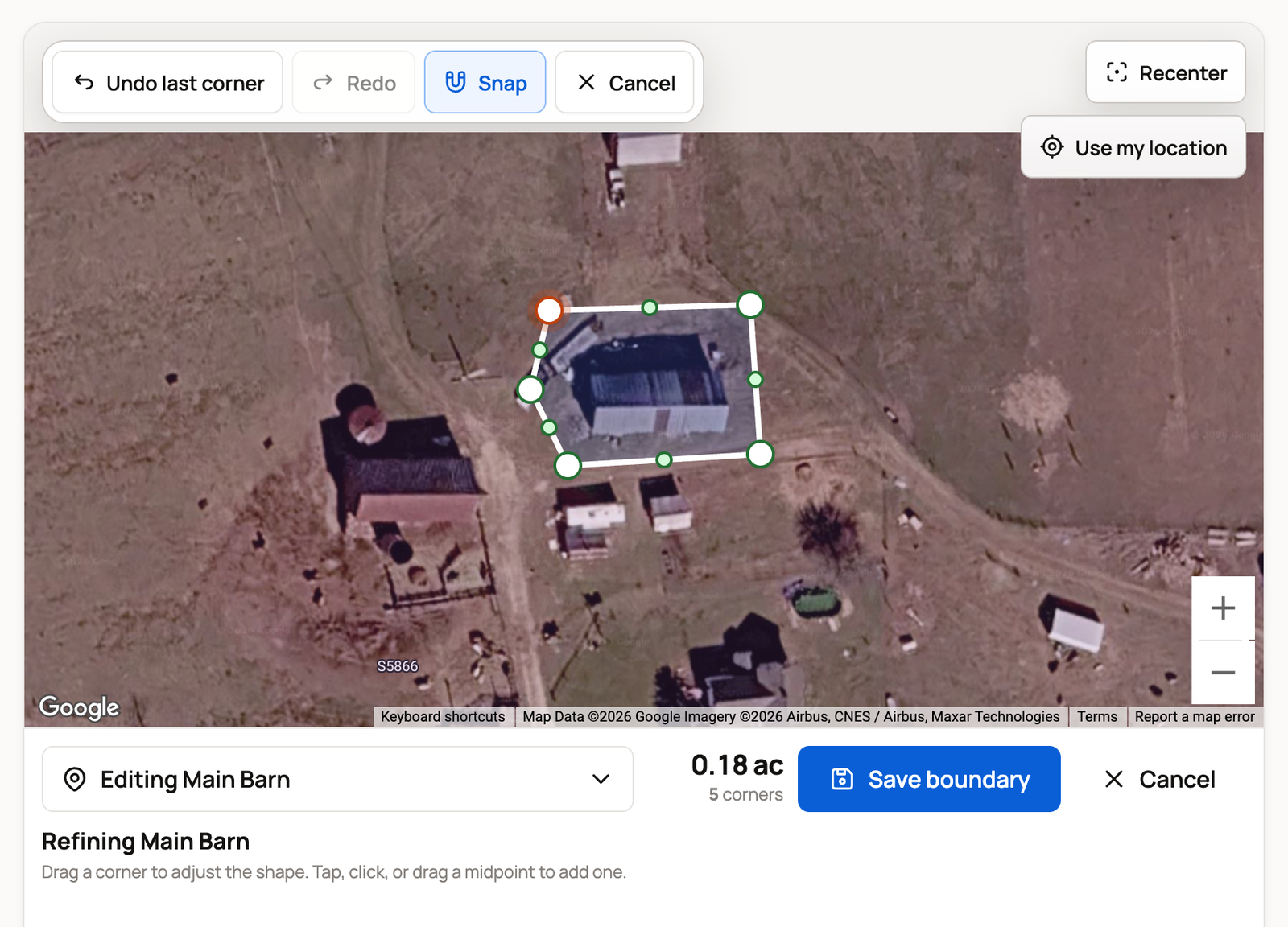
- Click or tap each corner, or trace the edge. Use Undo last corner and Redo to fix a corner.
- Select Finish, or tap the first corner again, to close the shape.
- Drag any corner to adjust it. Tap a dot in the middle of an edge to add a corner.
- Select Save boundary.
Its row on the Places tab now says Mapped.
Snap starts on and lines new corners up with your other boundaries, so a pasture fits neatly inside the farm. Turn it off to trace freely.
Shortcut: Map boundary on a Places row opens the map ready to draw that place.
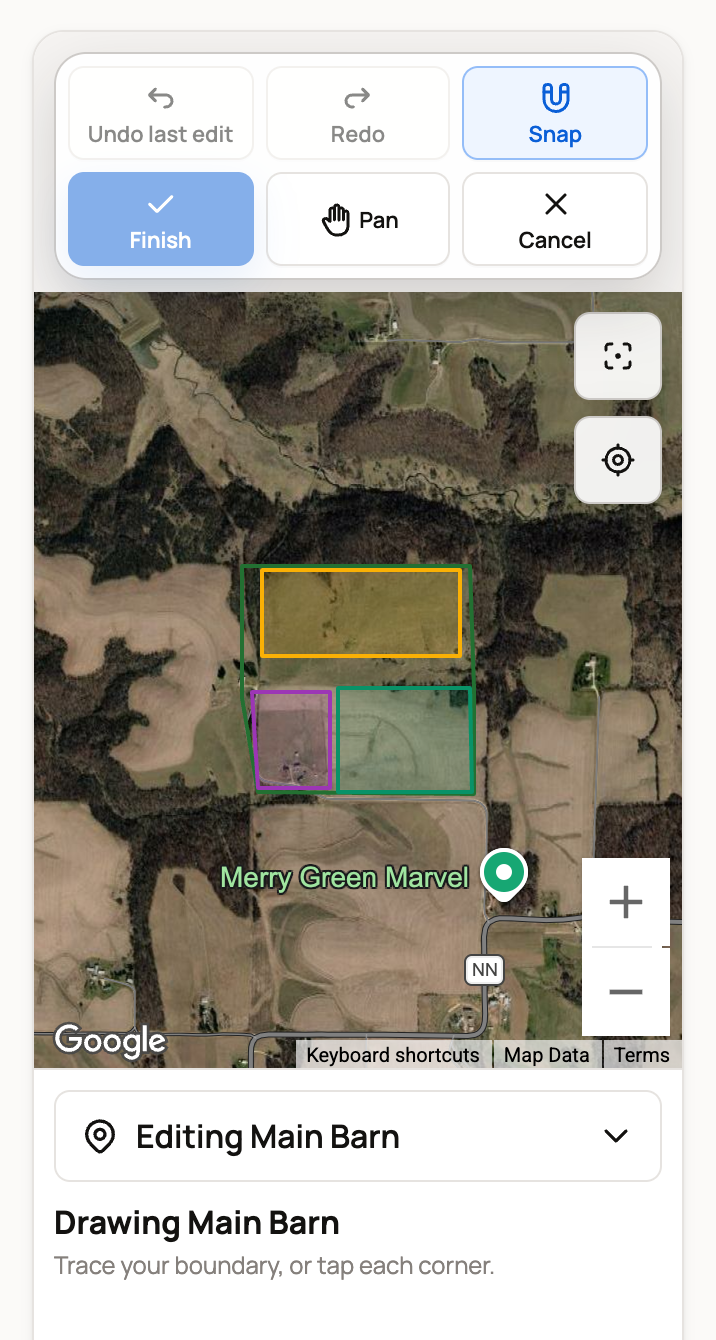
On a phone, your finger places corners while you draw. To move the map, select Pan, then select Pan again to keep drawing.
Change a boundary
On a mapped place, the button reads Edit boundary. Drag corners to reshape it, then select Save boundary. Redraw boundary clears the shape so you can start over. A very detailed shape also offers Simplify boundary.
If two edges cross, Creatures highlights the corners to fix before you can save.
Add an area inside a place
Areas split a mapped place into parts, like a hay field on the farm.
- Select a place that has a boundary, then Add area.
- Draw the area and select Finish.
- Type an Area name and select Save draft area.
- The area shows in the list with a Draft area badge. When it looks right, select Add to locations to keep it as one of your places.
Import a boundary
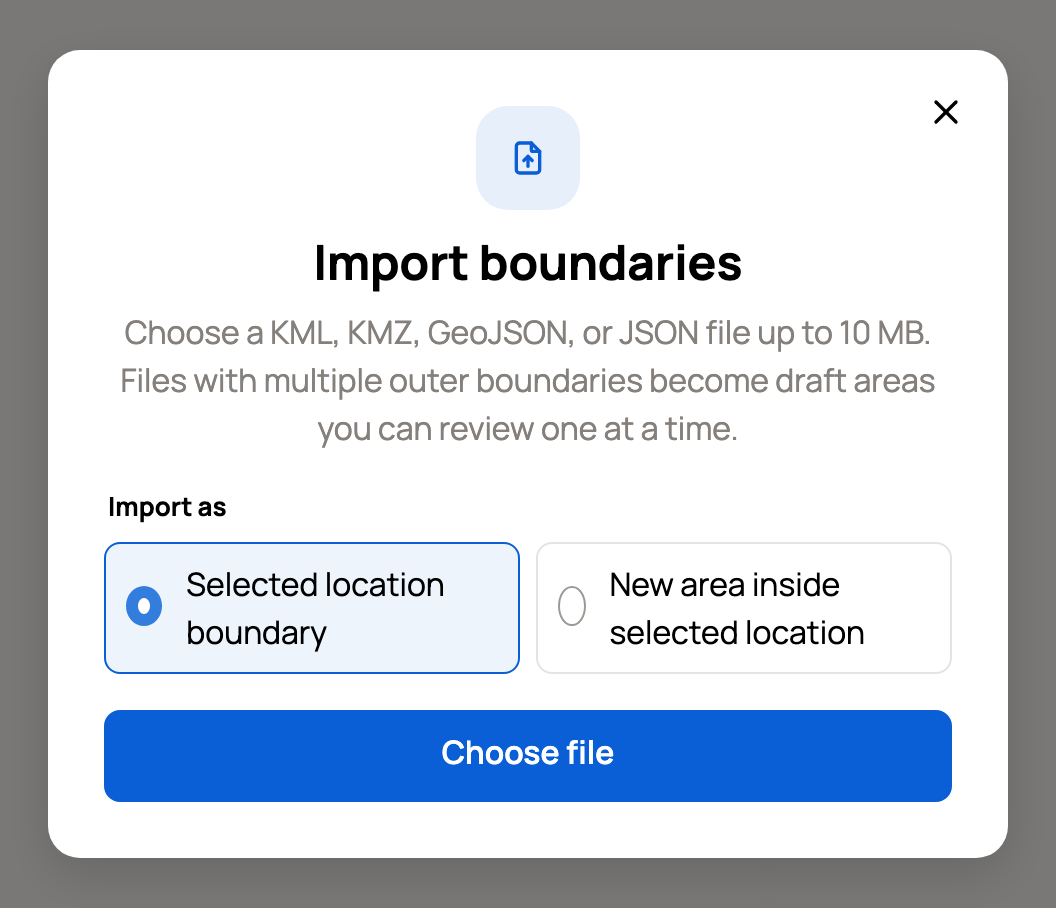
To use outlines from another mapping tool, select the place, then Import. Under Import as, choose Selected location boundary or New area inside selected location. Then select Choose file and pick a KML, KMZ, GeoJSON or JSON file up to 10 MB. Check the shape on the map and save it.
A file with several outlines becomes draft areas that you review and save one at a time.
Colors and moves on the map
Select the colored circle on a row to change its Map color. If several places still share the default color, Use suggested colors gives each its own.
Under Move an animal, select an animal and then a place's row, or drag it onto a boundary. Creatures records the move right away, as happening now. For an earlier or planned move, see Move animals and review location history.
If something looks wrong
- Satellite view is unavailable: the map couldn't load. Your places and moves still work. Select Back to locations and try again later.
- Add area or Import is grayed out: select a place in the list first. Add area also needs the place to have its own boundary.
Related information
- Set up and organize locations
- Move animals and review location history
- Manage, retire, and restore a location
Updated on: 29/10/2026
Thank you!