
Why Creatures asks for a code before showing your money
Links in Creatures emails and texts can sign you straight in, and anyone you forward one to could use it. So after a link sign-in, Creatures emails you a 6-digit code before it shows your money or lets you move it.
It takes about a minute. After that, the browser you're using is fully signed in.
Where you'll see it
On your Dashboard, the Wallet card is replaced by Wallet and Creatures Credit with a Confirm it's you button.
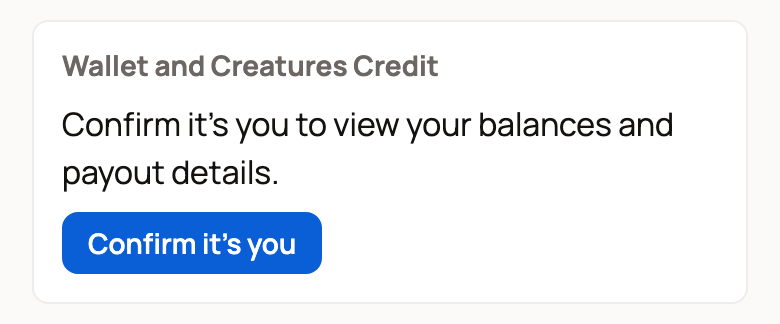
You'll also see the check when you:
- open Wallet, Credit, Referrals or Finance under Money, or your Purchases or Sales
- withdraw money, or set up or change payouts
- change your card or your Creatures Pro plan
- pay with your Wallet or Credit at checkout
- bid with your saved auction card
- refund a gift card or create a promo code
Confirm it's you
- Select Confirm it's you, or open the money page you wanted. The Security check page opens.
- Select Email me a code. The code goes to the email address on your account.
- Find the email "Your Creatures sign in code" and type the 6 digits. The code works for 10 minutes.
- Select Confirm. Creatures takes you back to the page you wanted.
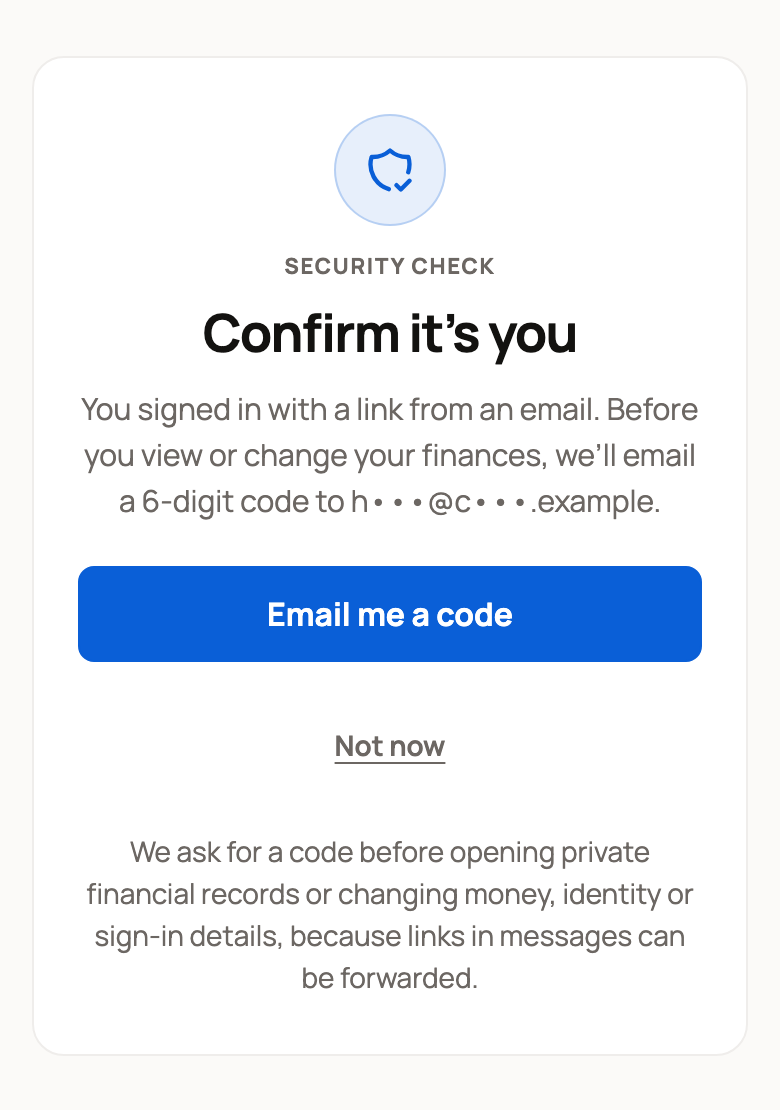
If the code has expired, or you typed it wrong too many times, select Send a new code. Not now takes you to your Dashboard without opening your money.
Why it doesn't happen every time
You only see this check after you sign in from a link in an email or text. It also shows after you continue from another app's browser, such as Facebook or Instagram. Once you confirm, that browser won't ask again. If you sign in with a code on the sign-in page, you won't see it at all.
Creatures staff will never ask you for this code. Don't share it with anyone.
To learn more about sign-in links and how to sign out other devices, read Keeping your account secure: sign-in links and security codes.
Related information
- Keeping your account secure: sign-in links and security codes
- Your Creatures Wallet: balance, holds, and getting paid
- Creating your account and signing in
Updated on: 29/10/2026
Thank you!