
Claiming a reference animal someone created for you
Claim a reference profile only if it represents an animal you own. A successful claim keeps the existing pedigree and information with the same animal, instead of creating a separate public profile.
If you were invited
- Open your email, text, or in-app invitation and sign in with the intended account.
- Review the animal's details and correct anything you know is wrong. Add a main photo if the reference does not already have one.
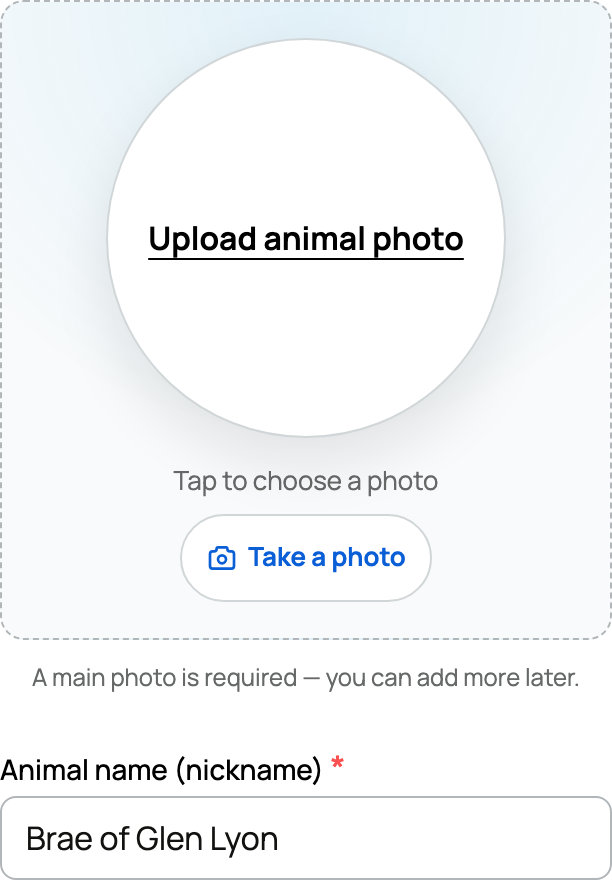
- Under Claim As, choose yourself or one of the organizations shown, if that choice appears.
- Select Submit Claim. The button may include the animal's name.
The invited path applies immediately when the invitation matches its recipient. If you need a new account, finish account verification first. Opening someone else's invitation does not give you their claim rights.
If you created the reference
If you originally added an ordinary lineage reference and now own the animal, open Claim This Animal on its profile. Review the details and choose Claim this animal. This self-claim does not need the same review as an unrelated person's request.
An animal already recorded as sold has a separate buyer-claim process; being its previous owner does not make you its buyer.
If you were not invited
Open Claim This Animal or claim this profile on the reference, review the details, and select Submit Claim. Submitting creates a private draft for your request; Creatures reviews it before changing the public profile.
- While the claim is pending, the original reference remains unchanged.
- If approved, your working copy is combined with the reference and ownership moves to you.
- If not approved, Creatures shares the reason and removes the working copy.
If Claim Pending appears, your request is already waiting for review. Do not create another animal to try again.
After the claim
The animal becomes a normal owned profile. You can manage its photos, records, pedigree, privacy, and team. Review the inherited details and correct anything that is incomplete.
If someone currently owns the profile, use an ownership transfer, not a reference claim. To add an ancestor you do not own, see Reference animals.
Related information
Updated on: 03/09/2026
Thank you!