
Importing your animals (bring them all in)
Use Import to bring animal information from files, photos, or a public website into Creatures. Uploading prepares a review; your selected animals and records are added only when you confirm it.
Before you start
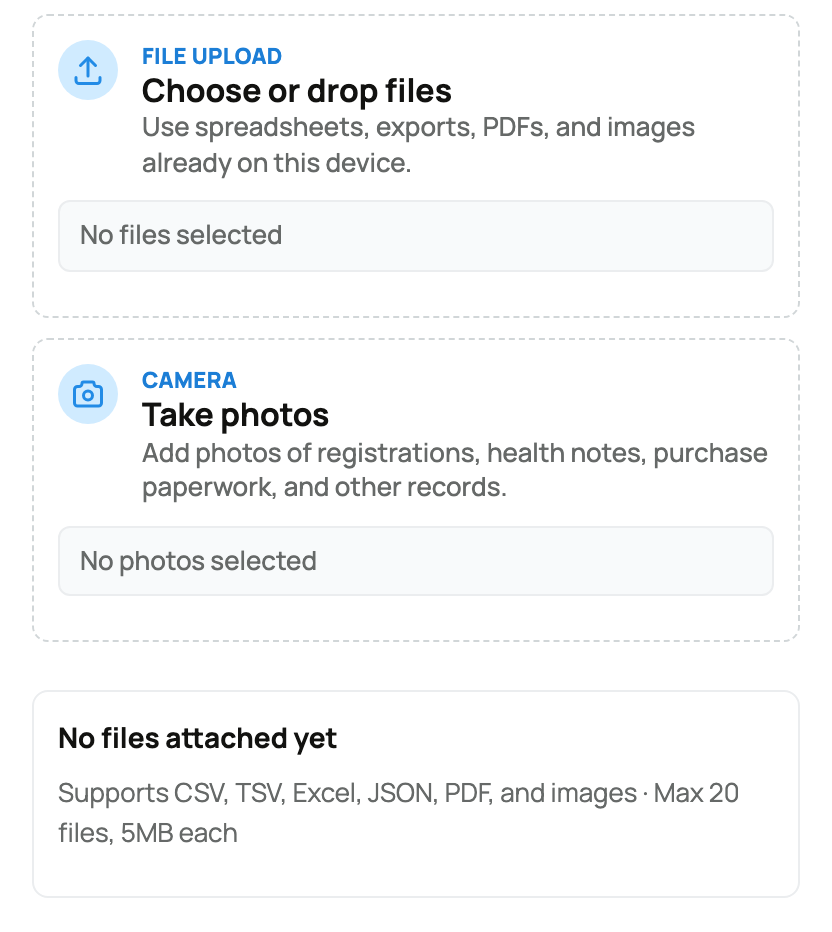
Gather clear, complete sources. You can combine spreadsheets, exports, PDFs, and photos of paperwork: up to 20 files, 5MB each. Keep your own originals; an import is not permanent storage for source documents.
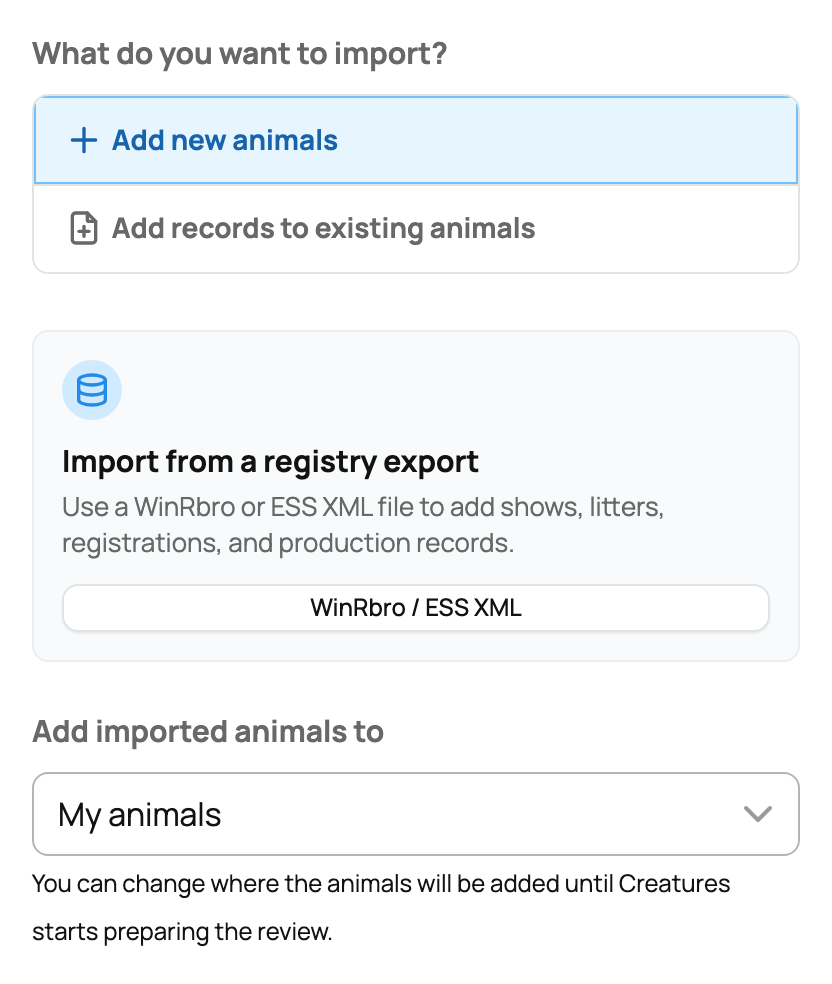
For one animal whose pedigree is your main source, use Add an animal by importing its pedigree. For Rabbit15, Cavy15, Goat15, or Poultry15, use the dedicated WinRbro / ESS import.
Start the import
- Sign in and open Import from your dashboard.
- Under What do you want to import?, select Add new animals.
- If Add imported animals to appears, choose My animals or the correct organization before starting. Otherwise, check the destination during review.
- Use Choose or drop files, Take photos, or Link to a breeder or registry website. The general importer can scan multiple public pages on that site. Export Google Sheets and pages that require a sign-in as files instead.
- Select Upload and build review. For a website on its own, the button says Read website and build review. Some accounts show Import Animals instead; all of these prepare a review before you confirm what to save.
If the animals already exist on Creatures, choose Add records to existing animals instead. Select All animals, Choose animals, or Choose a group to limit matching. Follow Importing records for that task.
What happens next
You can leave while Creatures reads the sources. Return to Recent Imports and use Continue review (or Review) when it is ready. If an upload was interrupted, reopen that import, reselect any files needing attention, and use Read these files when shown.
Check Recent Imports before starting again if a connection problem makes the result unclear. If the unfinished upload has expired, start a new import using your originals.
Possible duplicates and uncertain family connections need your attention, not another upload. Continue with Reviewing, editing, and confirming an import before saving anything.
Related information
- Reviewing, editing, and confirming an import
- Importing from Rabbit15, Cavy15, Goat15, and Poultry15 (the winrbro import)
- Add an animal by importing its pedigree
Updated on: 03/09/2026
Thank you!