
Manage egg orders: extras, shipping and claims
When someone buys your hatching eggs, the order shows on your Dashboard under Selling, then Sales. Ship from the sale card, and choose Extras and egg claims to add free eggs, answer a claim or cancel the order.
Find the order
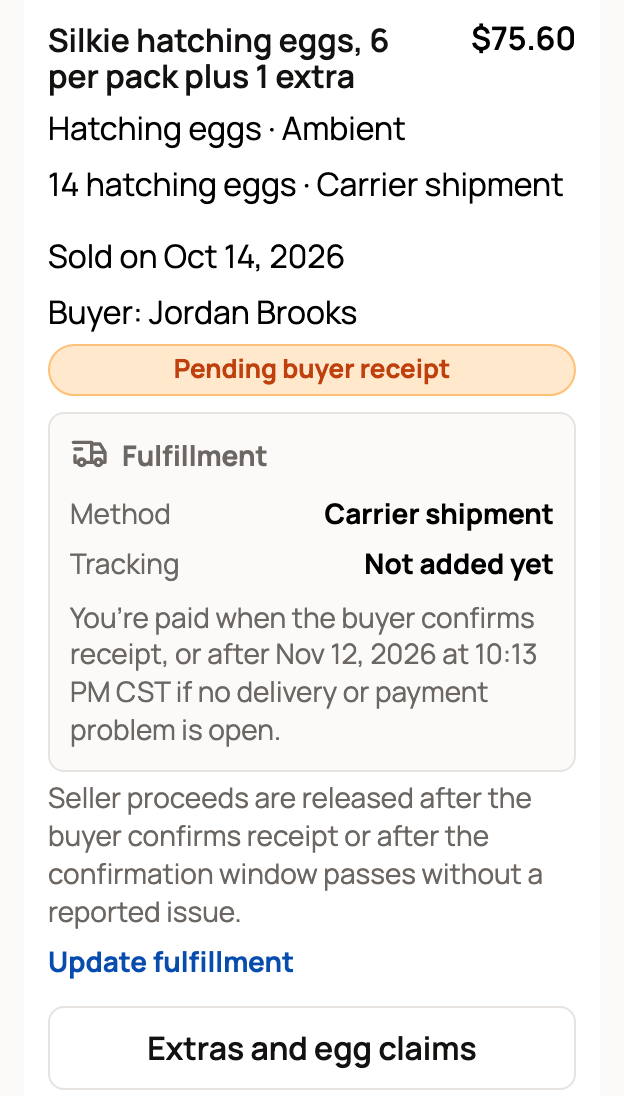
New egg orders wait under Needs fulfillment on the Sales page. Each card shows the buyer, the eggs and how they will be delivered. It also shows the date you get paid if no problem comes up.
You can also open your listing and choose Manage egg orders, then the buyer's name.
Ship the eggs
- On the sale card, choose Update fulfillment.
- Enter the Carrier and Tracking number.
- Turn on Mark shipped and choose Save fulfillment.
For a pickup order, turn on Buyer picked up instead. If you deliver the eggs yourself, turn on Delivery completed. The buyer picked the delivery method at checkout, and it can't change. For more, see Shipping and tracking genetic items.
Add extra eggs (optional)
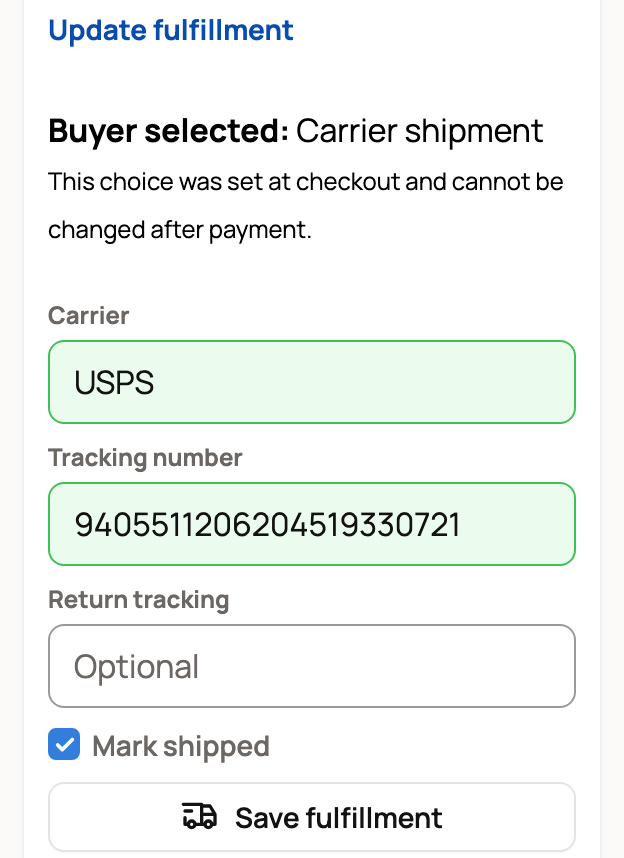
Want to tuck in a few more eggs? Choose Extras and egg claims. Under Assign extra eggs, enter the number in Optional extra eggs and choose Assign extra eggs.
Creatures takes them from the same egg lot, oldest collections first. Extras are free: the price and the eggs the buyer paid for stay the same. You can add them only before the eggs ship, are handed over or arrive.
When you get paid
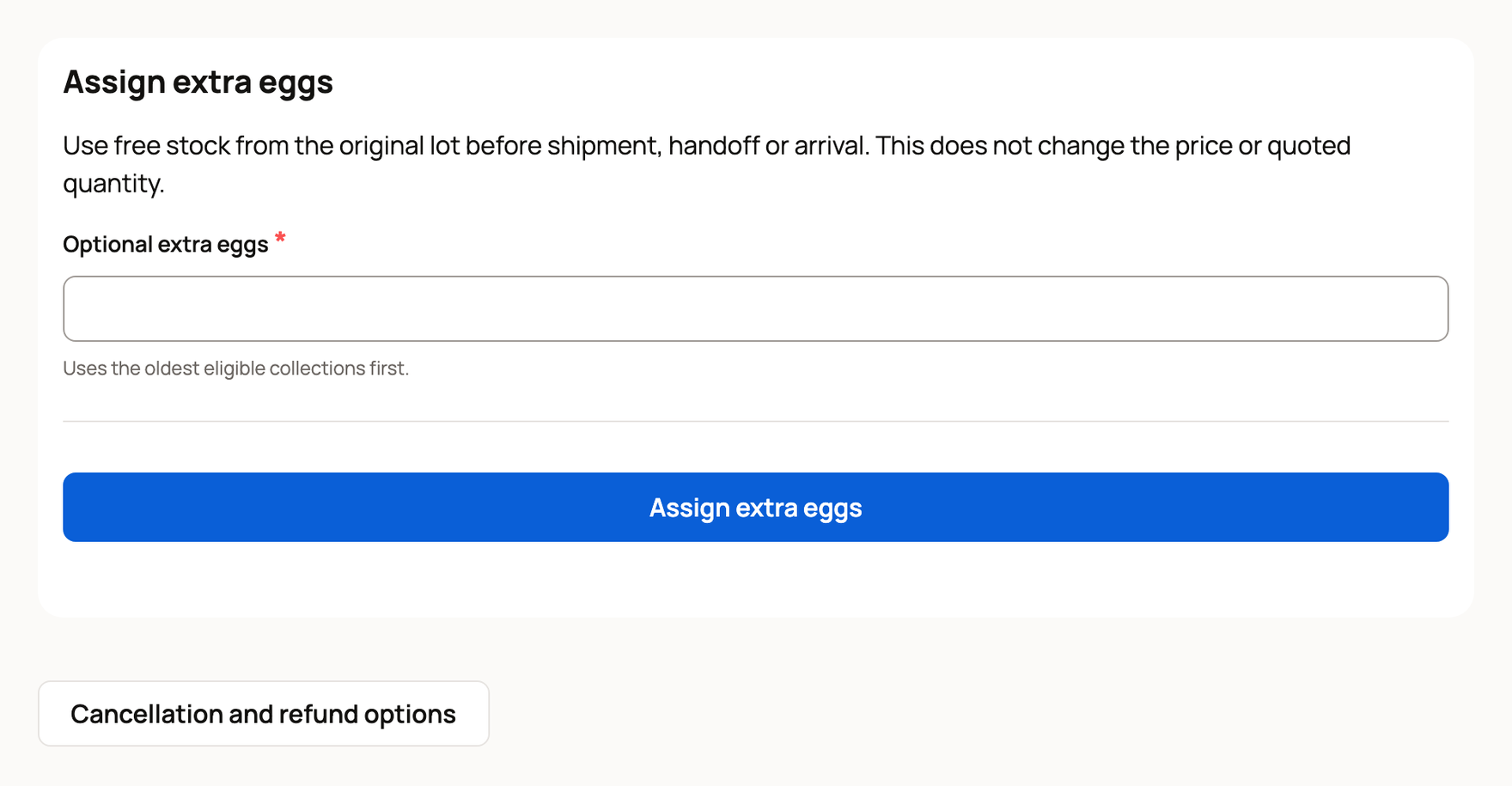
Creatures holds the buyer's payment until they confirm the usable eggs arrived. The money then goes to your Creatures Wallet. If the buyer never confirms, it's released on the date shown on the order, as long as no delivery or payment problem is open.
Answer a claim
Buyers can send a claim under the guarantees you offered, for example about broken or clear eggs. If nothing usable or the wrong item arrives, their arrival record opens a delivery problem claim, even without a guarantee. You get a notification, and the claim shows under Claim history on the order.
- Under the claim, choose Respond to claim.
- To settle it, enter a Refund amount, write a note in Response or decline reason, and choose Accept amount refund.
- To say no, explain why and choose Decline with reason.
Answer within seven days. A delivery problem holds your payment, and accepting it refunds everything still refundable. Other claims leave the usable eggs with the buyer. If you decline or don't answer in time, the claim can go to Creatures order support for review.
Cancel or refund
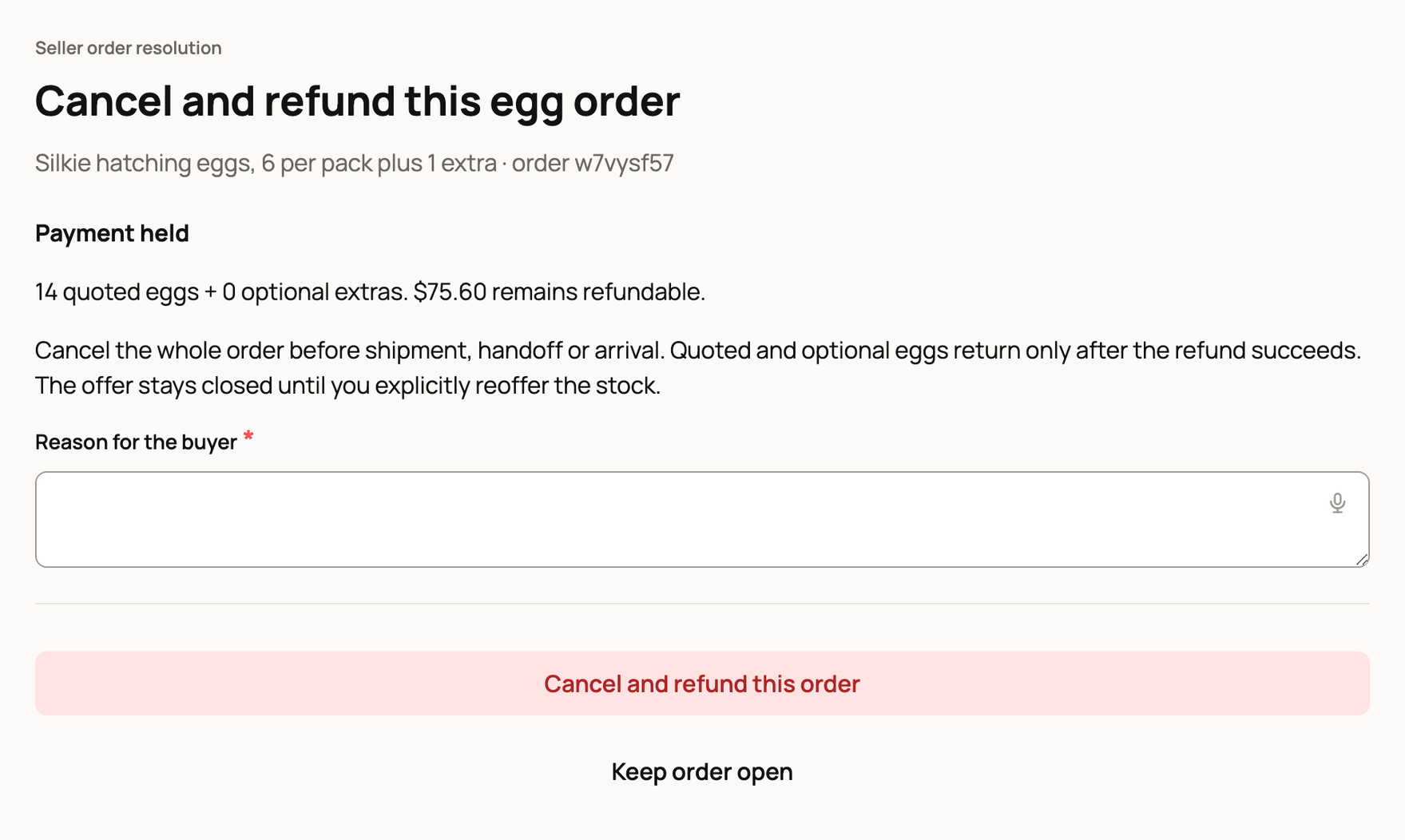
On the order, choose Cancellation and refund options.
- Before the eggs ship, you can cancel and refund the whole order. The eggs go back to your egg lot once the refund goes through. They aren't for sale again until you add them to a listing.
- After the eggs ship, you can refund an amount instead. The buyer keeps any usable eggs.
Write a Reason for the buyer, then choose Cancel and refund this order or Issue amount refund. Keep order open leaves everything as it was.
Related information
- Sell hatching eggs by the pack
- Buy hatching eggs and record their arrival
- Shipping and tracking genetic items
- Your Creatures Wallet: balance, holds, and getting paid
Updated on: 29/10/2026
Thank you!