
Share a clutch: public page, interest list and hatch card
Your clutch page is private until you publish something. Open the clutch and select Share this clutch to reach Clutch sharing, where you can publish a public page with an interest list, or a hatch card with your results.
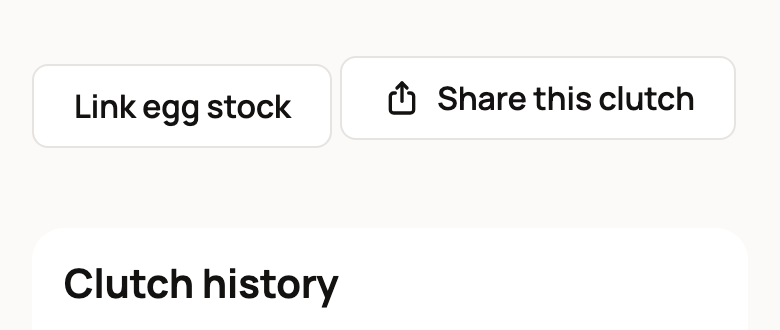
The button sits near the bottom of the clutch page, next to Link egg stock.
Publish a public clutch page
A public clutch page lets people know chicks are on the way. It shows only the facts you pick.
- Under Public clutch page, enter a Public title, such as "Silkie chicks due late October".
- Turn on what you want to share:
- Share the source category, without source identities or labels, for example "Keeper-collected eggs".
- Share the expected hatch window and its uncertainty.
- Share recorded hatch counts and the number of eggs set. Counts appear once you've saved some.
- Open an optional interest list.
- Photos you added to the clutch, if any.
- Select Preview public page and read the Visitor preview.
- Select Publish selected page.
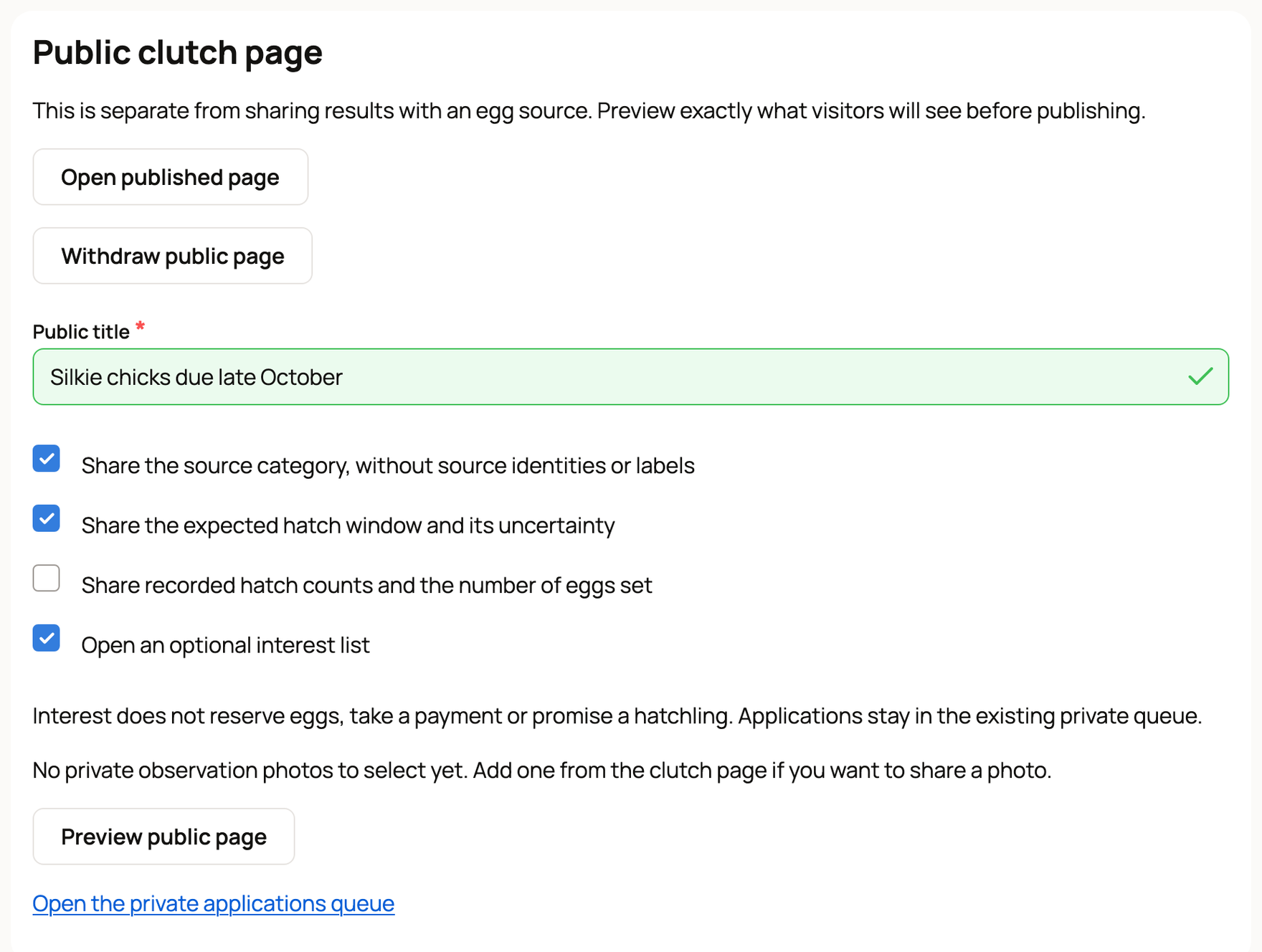
Once it's live, the same panel shows Open published page and Withdraw public page.
What visitors see
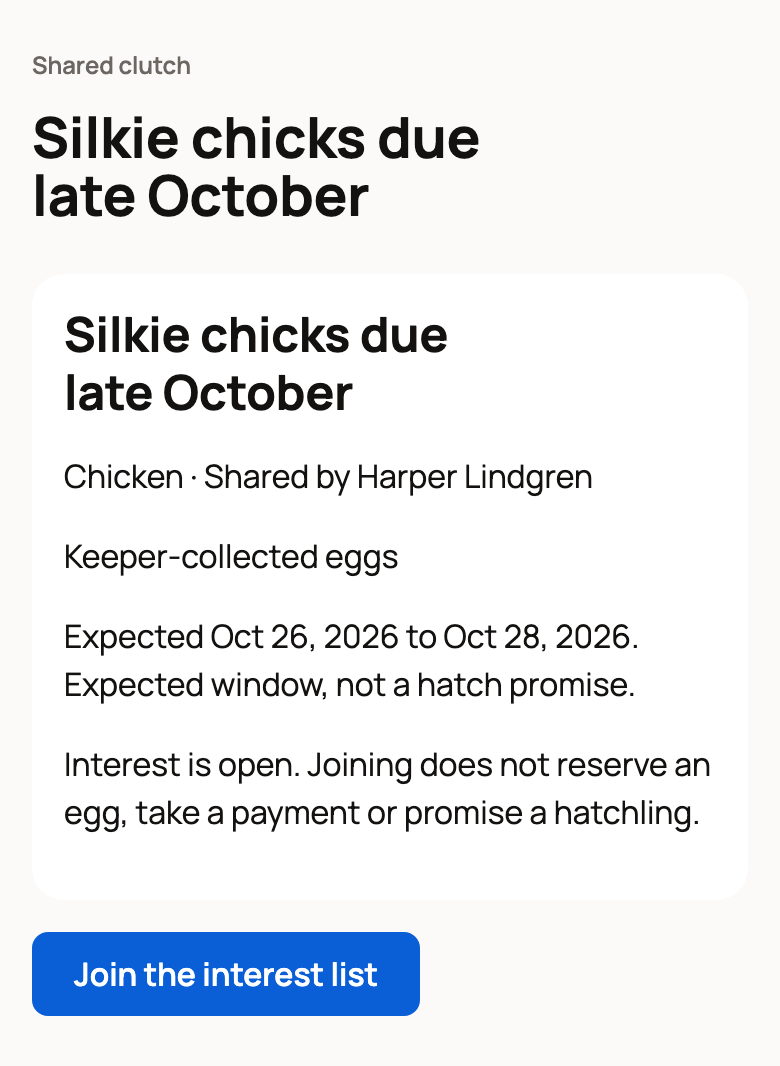
Visitors see your title, the species, "Shared by" with your name, and only the facts you picked. The hatch dates come with a reminder that they are an expected window, not a promise. When your interest list is open, they also see Join the interest list.
The interest list
An interest list is a simple way to take names for future chicks. Joining doesn't reserve a chick, take a payment or promise anything.
Visitors sign in, answer a few questions about their plans and the home they can offer, and select Send interest. You review each one under Open the private applications queue on the sharing page, with the same tools you use for other buyer applications. See Reviewing and approving buyer applications.
The list stays open while the eggs incubate and after a hatch with chicks. It closes if you cancel the clutch or no chicks hatch.
Keep the page current
Your public page is a snapshot. When the facts behind it change, for example when you save hatch counts or move a check, visitors stop seeing the dates, counts and source. The page says the keeper is updating these facts. Preview and publish again to share the new facts.
To take the page down, select Withdraw public page.
Share a hatch card
A hatch card is a picture you can share, with a front and a details side.
- On Clutch sharing, select Preview a hatch card.
- Enter a Card title and choose what to include: Include recorded hatch counts and eggs set, the expected window, the source category, and one photo or No photo.
- Select Preview hatch card, check it, then select Publish hatch card.
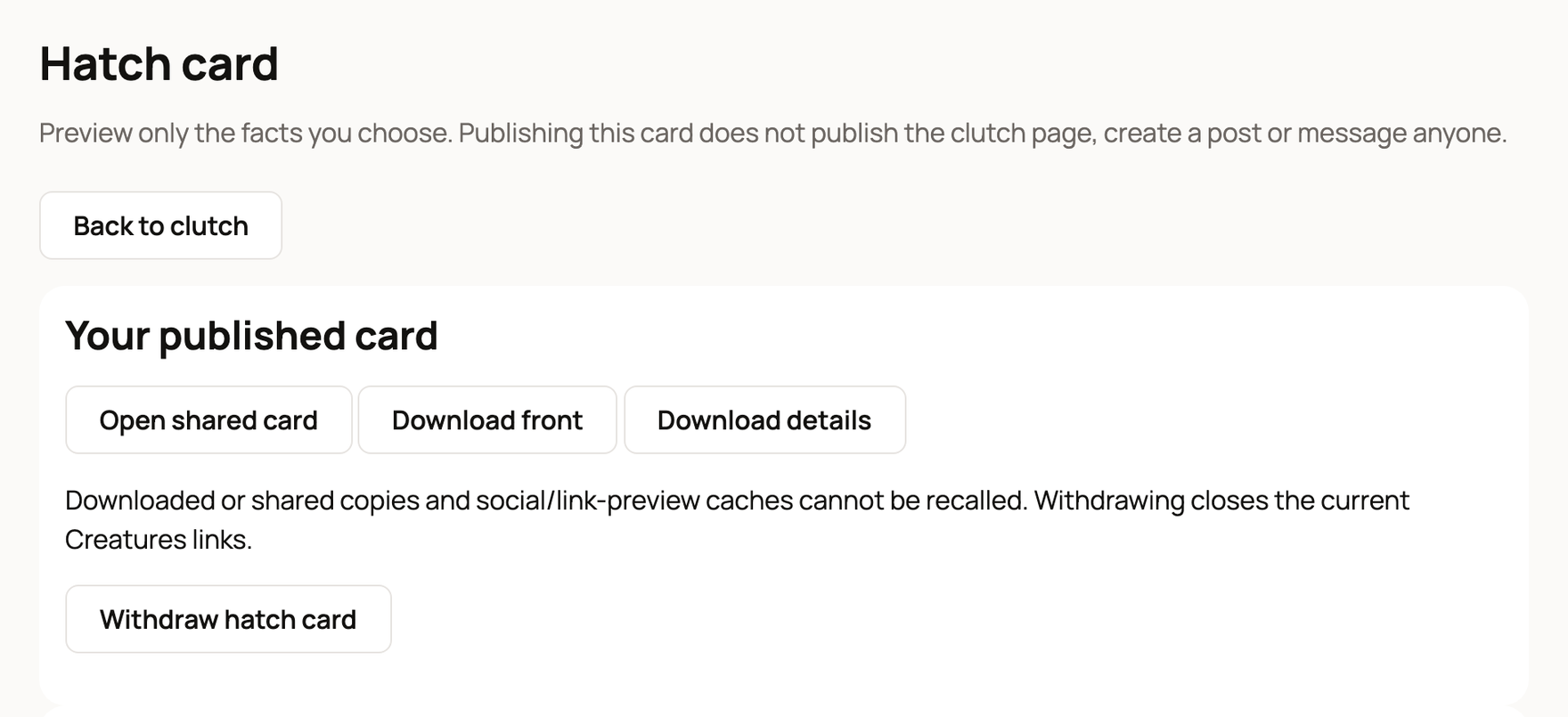
Under Your published card, use Open shared card to get a link, or Download front and Download details to save the images. Publishing a card doesn't publish your clutch page, make a post or message anyone. If the card's facts change, its link stops working until you publish a fresh card.
Withdraw hatch card closes the Creatures links. Copies people already downloaded or shared can't be called back.
Bought your eggs from another member?
After you finish the hatch, Share recorded outcome with an egg source lets you send your hatch counts for that seller's eggs. Choose Share with this seller, or Contribute to public source results to add them to that seller's public results, which show only if the seller publishes them. Names, photos and animal records stay private.
Related information
- Set a clutch of eggs and follow incubation
- Record a hatch and add your chicks
- Buyer applications: what they are and how to apply
Updated on: 29/10/2026
Thank you!