
Plan your day and week on Today: to-dos and events
Today is also your planner. Add to-dos (jobs you check off) and events (visits, shows and other dates) next to your animal care. Then look ahead by day, week or month. It works before you add any animals. Today's to-dos are listed under To-dos, above your care. Other days' to-dos show in Week, Month and Agenda.
Move around your calendar
Open Today from the bar at the bottom of your phone, or from Shortcuts on the left on a computer. Above your care list:
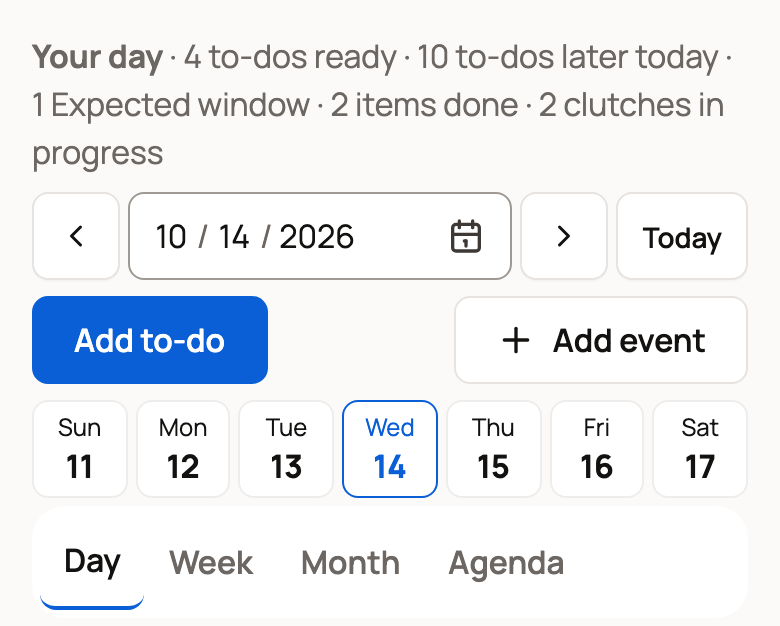
- The Your day line counts what is ready now, what comes later and what is done.
- The arrows move back or forward, the date box jumps to a date, and Today brings you back.
- The week strip shows Sunday to Saturday. Tap a day to open it.
- Day, Week, Month and Agenda change the view.
Week lists items under each date, Month counts the items on each day, and Agenda lists the next month.
Add a to-do
- Choose Add to-do. On a phone, you can also tap Create in the bottom bar, then Add to-do.
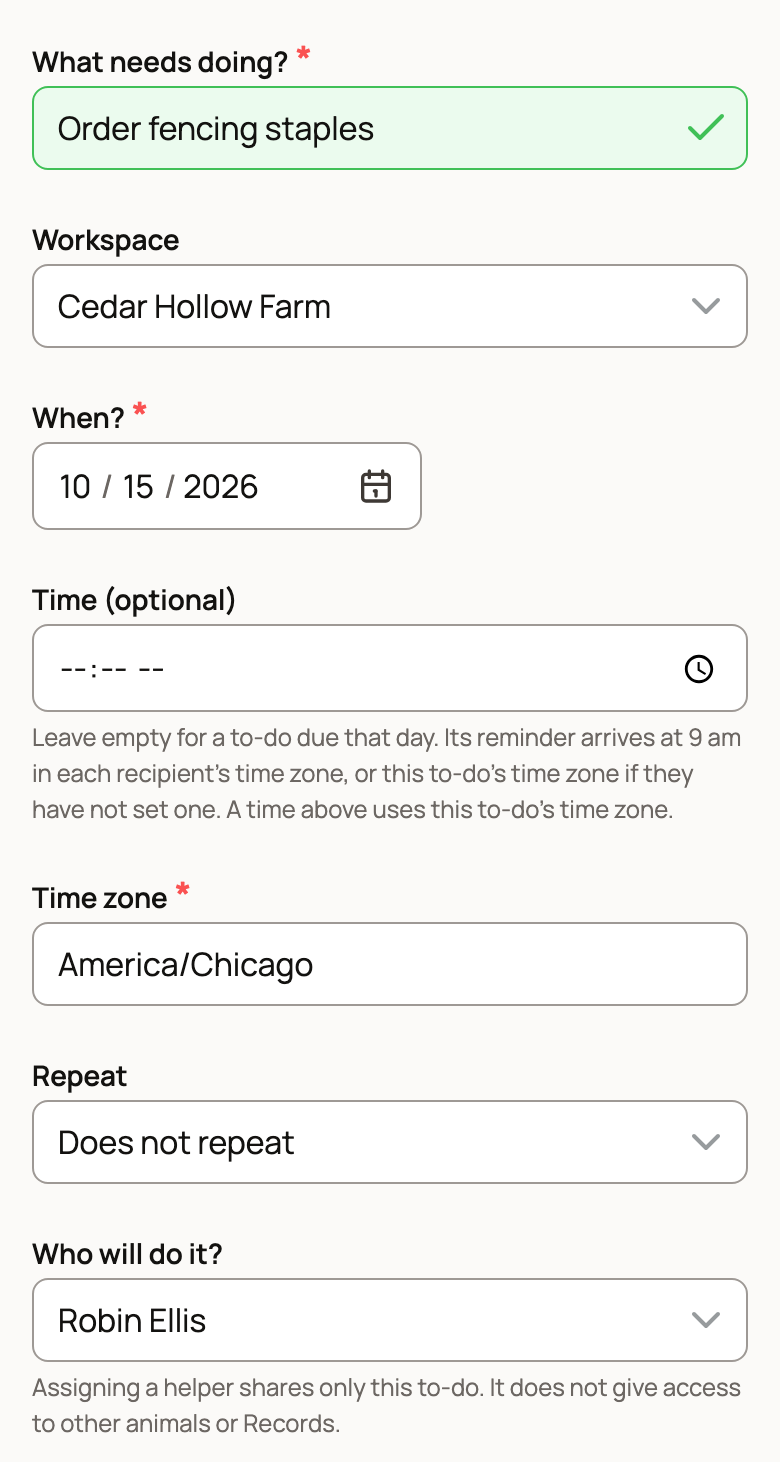
- Type What needs doing?
- Pick the Workspace: your own account or one of your organizations (a shared farm or business account).
- Set When? Add a Time (optional) if it matters. With no time, the to-do is due that day and its reminder comes at 9 am.
- Use Repeat for jobs that come back.
- Under Who will do it?, keep Anyone who can help or pick one person. That person sees only this to-do, not your other animals or Records.
- To tie the job to an animal, group or place, choose it under Animal, group or place (optional).
- Choose Save to-do.
Should finishing a to-do save a record, like a weight? Under When this is done, choose Save an animal Record or place activity. The button becomes Review to-do and opens Care plans, where you set what to record. Nothing saves until you confirm.
Each to-do has Done now, and its three-dot menu has Skip this time, Move date or edit and Delete this to-do. To take one back, open Recent actions near the bottom of Today and choose Undo within ten minutes.
Add an event
An event is a planned date, like a vet visit or a show.
- Choose Add event.
- Add a Title and pick the Calendar. Your personal events are private. Organization events are visible to its team.
- Set Starts and Ends. Add a Start time (optional) and End time, or leave both empty for an all-day event.
- Choose Save event.
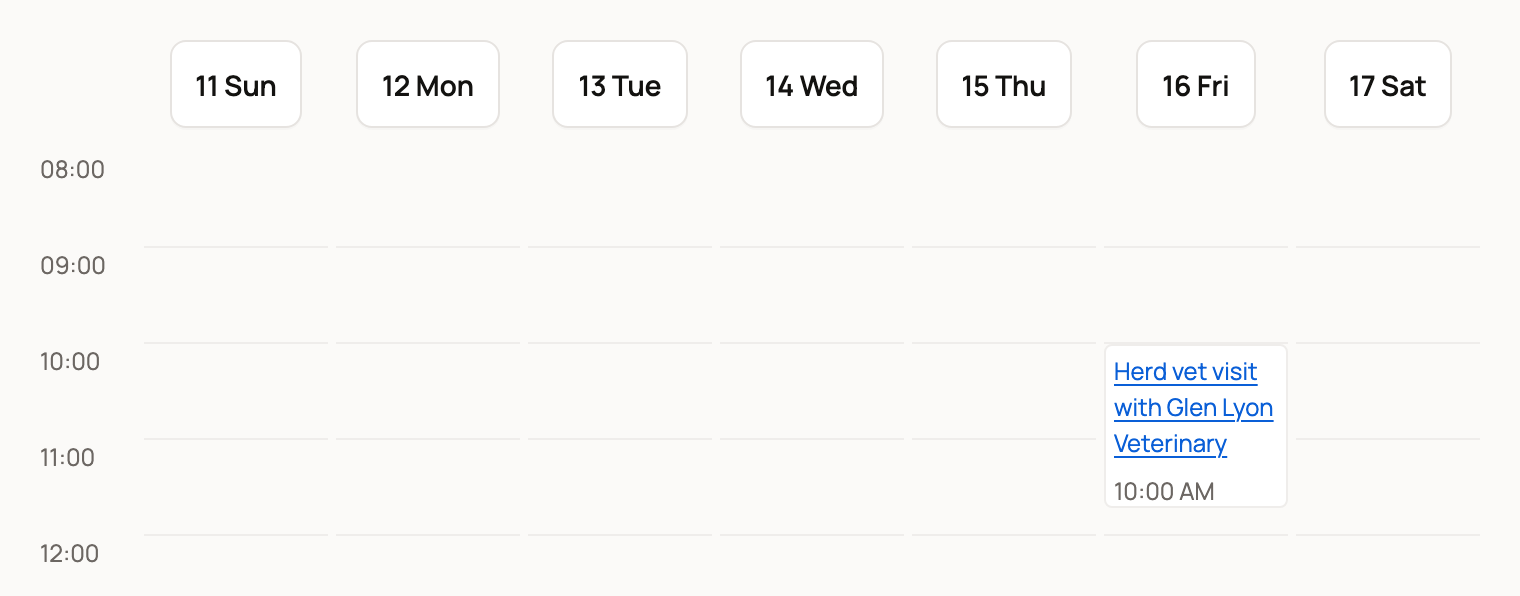
On a computer, Week shows timed events in a grid. Choose one to edit it.
An event doesn't mark care done or stop bookings. If you take bookings, open the event and choose Make this Time off… to stop new bookings during it. See Your booking team, vehicles, animals, and time off.
Let Creatures fill in the form
On either form, open Type or say what you want to plan. Describe one thing, like "Check the fence next Tuesday at 9 am," and choose Make a draft. Check the draft, then choose Use these details below. If another form fits better, you get a button such as Continue to event. Nothing saves until you choose the save button.
Filter and find
Filter and find narrows what you see:
- Show picks one kind of item, such as Care or Events and to-dos.
- Care view set to My work shows only the care that's yours to do.
- Workspace, Place and Person narrow it to one account, place or person.
- Find within 12 months searches by name.
If you run care with a team, Assign in this panel hands out tasks (see Assign care and manage your care duties).
Related information
- Get tomorrow's plan in one morning email
- Your Today page: what's due and how to check it off
- Connect Google Calendar or another calendar to Today
- Add your Creatures schedule to your phone calendar
Updated on: 29/10/2026
Thank you!