
Selling from your website with Buy buttons
Yes, people can buy an animal right from your website. With Show Buy buttons on, which is the default, eligible animals for sale get a Buy now button, and buyers pay securely through Creatures.
Before you start
- List the animal on Creatures. Your website shows your active listings on its own, so there's nothing to copy over. See Listing an animal at a fixed price.
- Verify your phone number and your identity. Buyers can't pay you until both are done. See Verifying your phone number and Verifying your identity.
- Publish your website, and make sure the animal is shown on it. See Choosing which animals appear on your website.
Which animals get a Buy now button
- Animals listed at a fixed price.
- Auction animals with a buy-now price, until the first bid comes in. See Listing an animal for auction.
There's no Buy now when the listing needs your approval of the buyer, needs boarding checkout, or has an accepted offer waiting for that buyer to pay. Those animals still appear, and their card opens the full listing on Creatures.
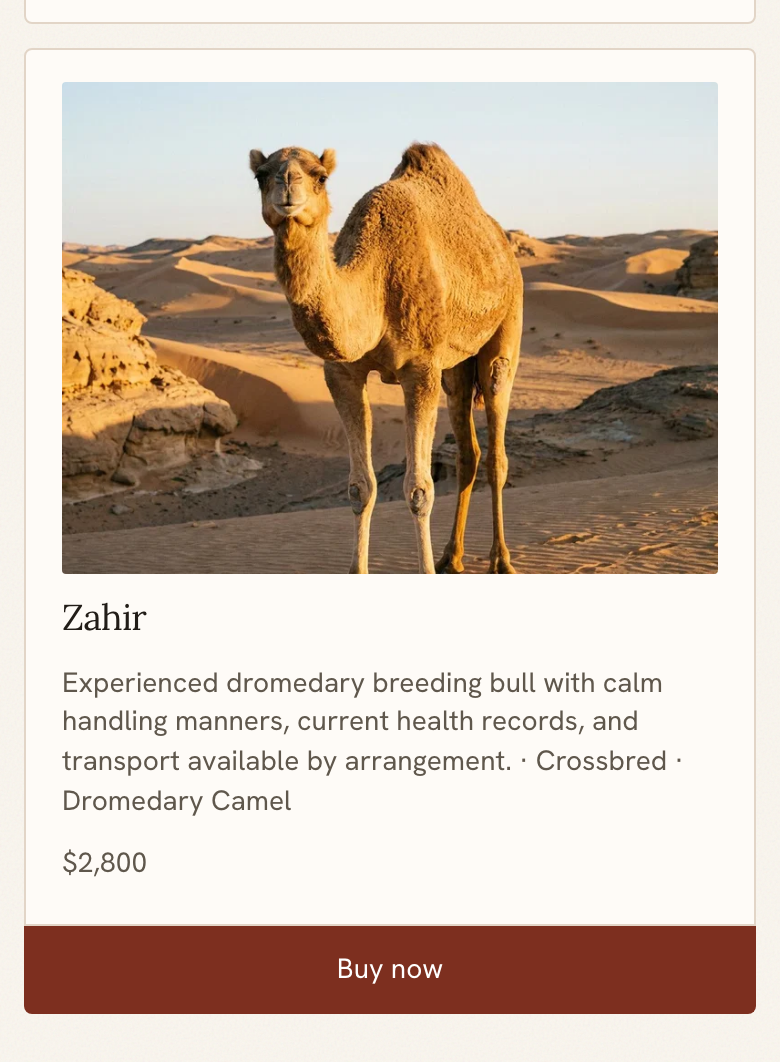
What the buyer sees
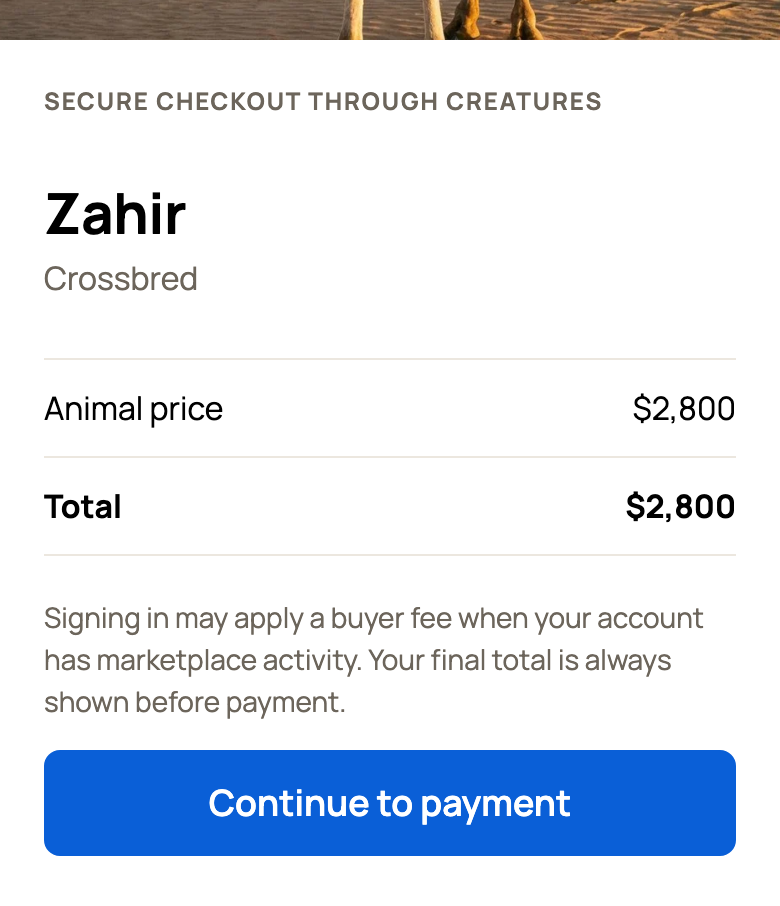
Buy now opens Secure checkout through Creatures. It shows the animal's photo, the Animal price, any Creatures buyer fee and the Total. The buyer chooses Continue to payment, then enters their card and delivery address on the payment page.
After paying, the buyer sees a page saying the animal is theirs and gets a receipt by email. You get a notification. The buyer is told you'll be in touch about pickup, transport and records, so reach out soon.
Buyer fees on website sales
Buyers who come to you through your website usually pay no Creatures buyer fee. For a signed-in buyer, the standard buyer fee can apply if, within the last 90 days, they followed your referral link for the listing, applied for that animal, saved its listing to their watchlist, messaged you from the listing, or paid a litter or group deposit matched to that animal. Viewing an animal or paying a private deposit request for one animal does not by itself trigger this fee.
A visitor who isn't signed in sees a note that signing in may add a fee. The final total always shows before anyone pays. If you cover buyer fees on a listing, the buyer doesn't pay one. See Covering buyer fees and adding promoter rewards.
Turn Buy buttons on or off
- In the website builder, open Settings (the gear).
- Under Selling, turn Show Buy buttons on or off.
- Choose Save settings.
- Choose Publish changes. Your live website updates when you publish.
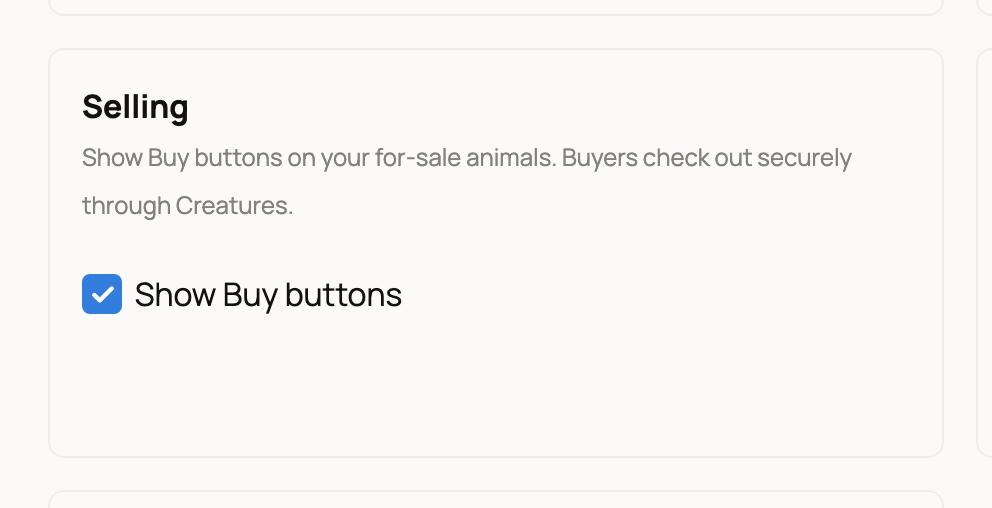
With Buy buttons off, your animals for sale still show on your website, and their cards open the listing on Creatures.
After the sale
A website sale works like any other Creatures sale. Your usual seller fee applies, and the money follows the normal payout steps. To move it to your bank, connect your payout account. See How seller payout works.
If something looks wrong
- An animal has no Buy now button. Check the list above, check that you've verified your phone and identity, and check that the animal isn't hidden from your website.
- You turned Buy buttons off, but they still show. Choose Publish changes.
- Checkout says This is your own listing. You're signed in as the seller. Your buyers won't see this.
Related information
- Choosing which animals appear on your website
- Website settings: search, announcement bar, contact details, and analytics
- Connecting your payout account
- How seller payout works
Updated on: 29/10/2026
Thank you!